








DiviPerfect Modules
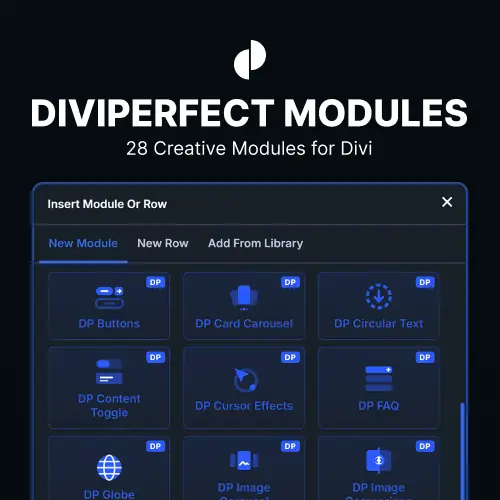
Coming Soon: 28 creative modules for Divi 5 and Divi 4
Card carousels, image galleries, text effects, a 3D globe, menus, popups, pricing tables, page transitions and more. Every module comes in several designed styles, so your pages look custom without writing code.
Projects Worth a Closer Look

Harbour Bakery
Brand and online shop

Studio Nine
Portfolio website

Peak Physio
Booking system

Lumen Lamps
Product launch

Wild Oak Wines
Label and tasting site

Northside Gym
Membership app

Paper & Pine
Stationery store

Riverbend Cafe
Menu and ordering
Overview & Features
DiviPerfect Modules adds 28 creative modules to the Divi builder. They are built for real sites: light on the page, readable by search engines, friendly to keyboards and screen readers, and designed to look good straight away. Pick a module, pick a style, and fine-tune it with the Divi controls you already know.
28 modules, 200+ styles
Each module comes in several designed styles, from 5 to 27, and each style keeps its own settings.
Divi 5 and Divi 4
One plugin for both builders. It finds which Divi your site runs and adds the modules there, with the same settings in each.
Design in Divi
Fonts, colours, spacing and borders use Divi's own Design tab, and many modules let you design a card with Divi modules.
Accessible
Keyboard support, real HTML that screen readers and search engines can read, and calm motion for visitors who ask for it.
Responsive
Every style is tuned for phones and tablets, with phone layouts where hover does not exist.
Site-wide extras
DP Password Gate designs your password-protected pages, and Style All Site Buttons restyles every Divi button.
The Module Library
Every module has its own page with live demos of each style, and a full documentation page that explains every setting.
Text effects
Headlines and words that move, spin, part and loop.

Text Effects
Animated headlines with 9 effects and a 31-preset motion pack.

Circular Text
A spinning text badge with an arrow, star, dot or image in the middle.

Parting Text
Big lines that split apart to let your image or video through.
Ticker & Marquee
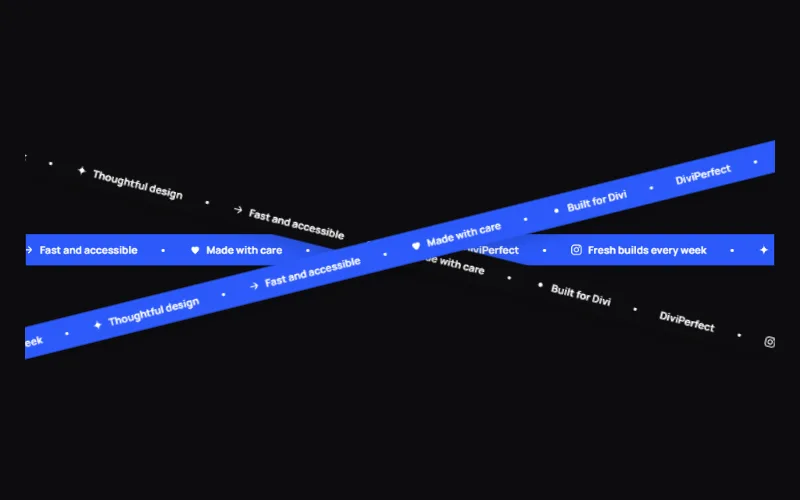
Endless marquees in 8 styles, from crossed tapes to liquid glass.
Images and media
Galleries, carousels, comparisons, hotspots, hover effects, scroll video and a 3D globe.
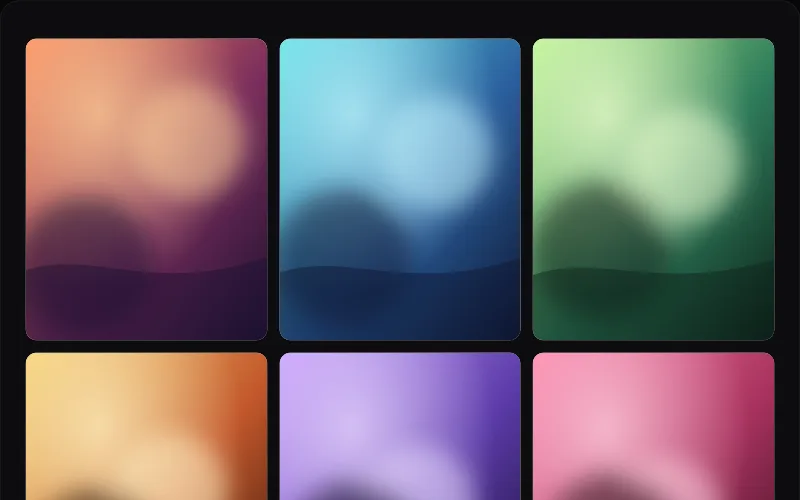
Image Gallery
12 gallery layouts, from masonry to a 3D image sphere, with a lightbox.
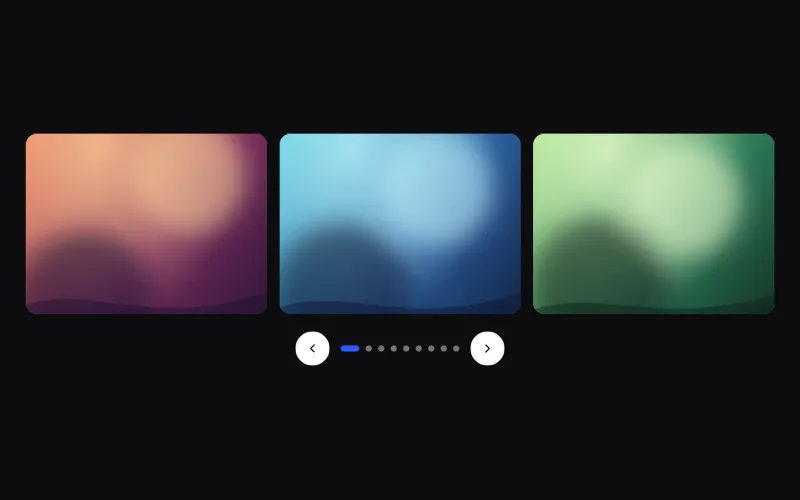
Image Carousel
14 image carousels: sliders, rings, helixes, tunnels and more.
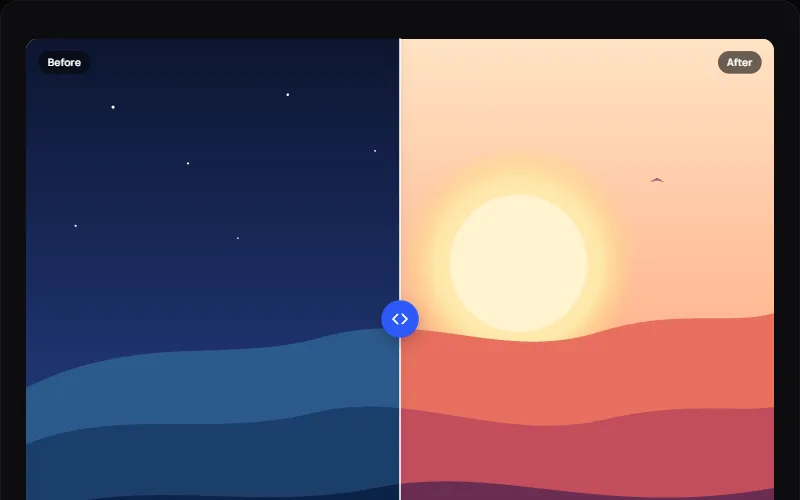
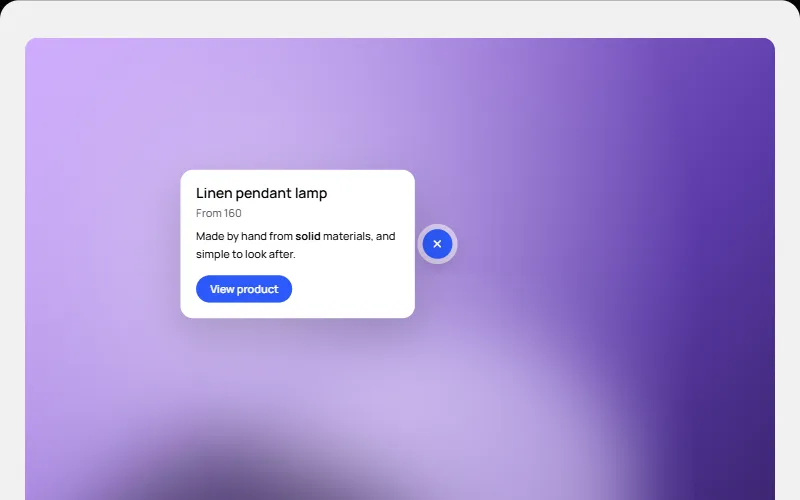
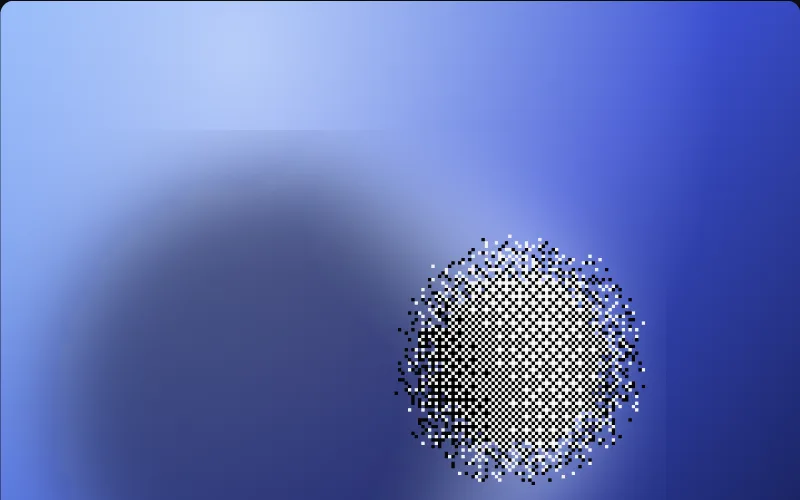
Image Hover
6 hover effects: swap, dither, glitch, cursor reveal, pixel trail and liquid ripple.

Image List Hover
Rows for a team, services or projects, whose images show on hover.

Scroll Video
A video that plays as visitors scroll down and rewinds as they scroll up.

Cards and sliders
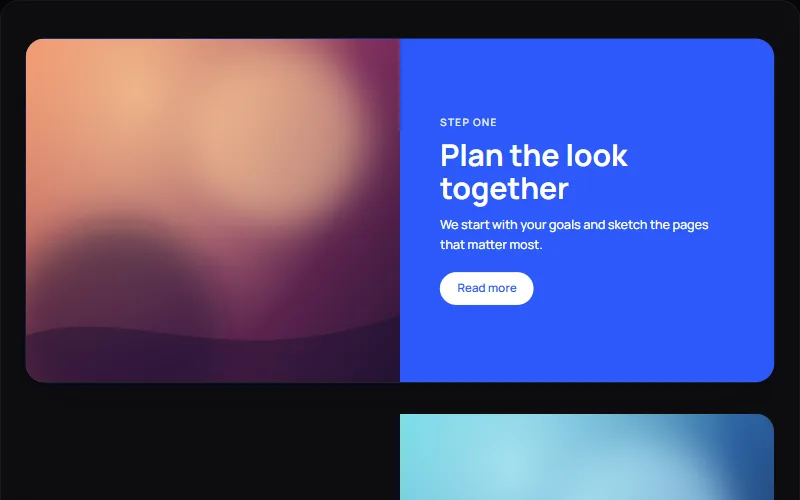
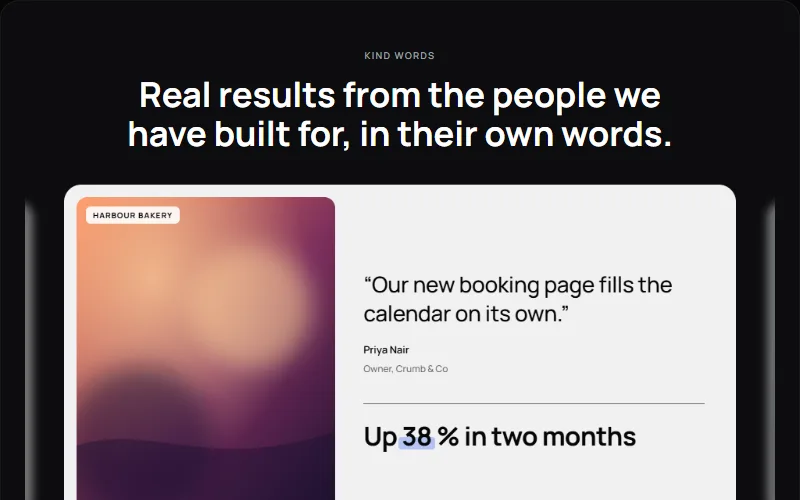
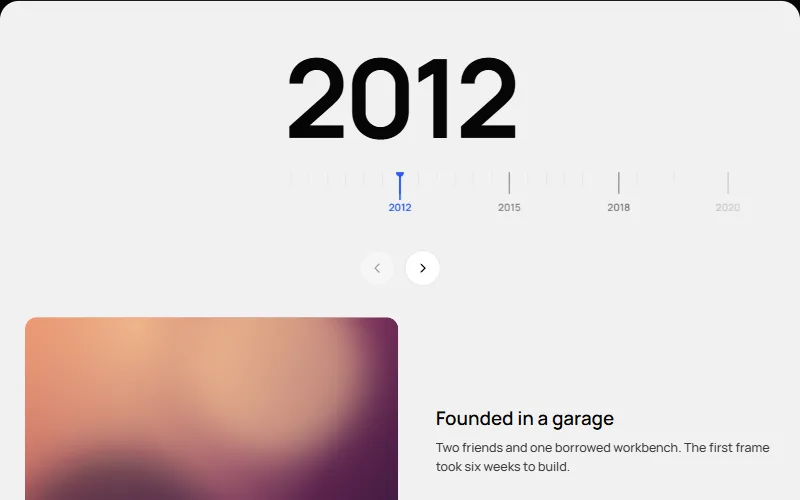
Card carousels, stacking cards, testimonials and timelines.

Card Carousel
13 card carousels with a built-in lightbox and slide counter.
Interactive and UI
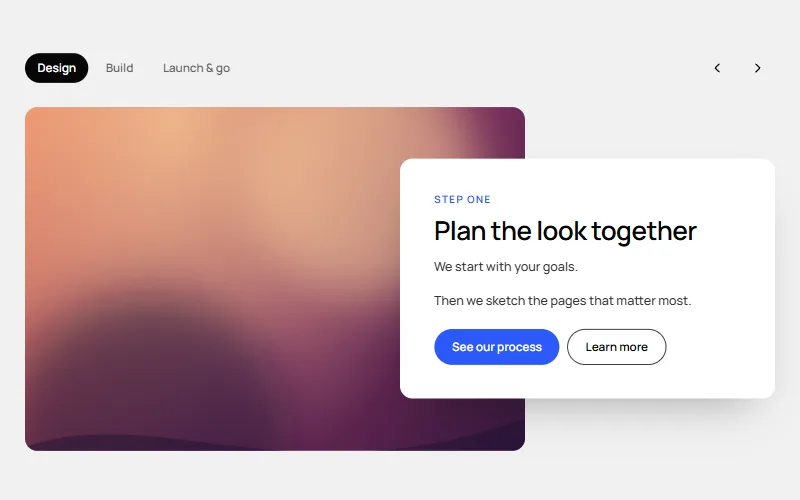
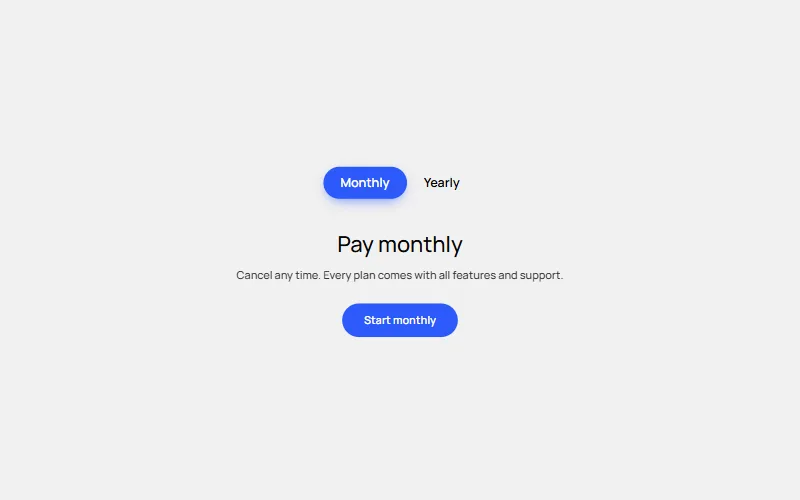
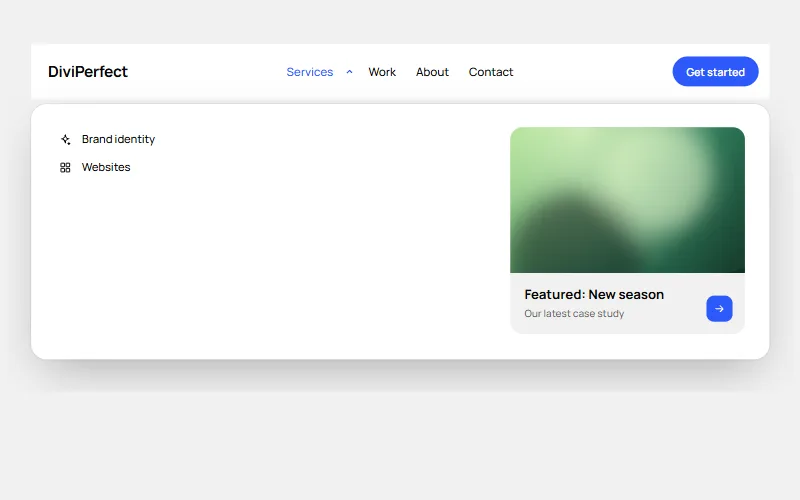
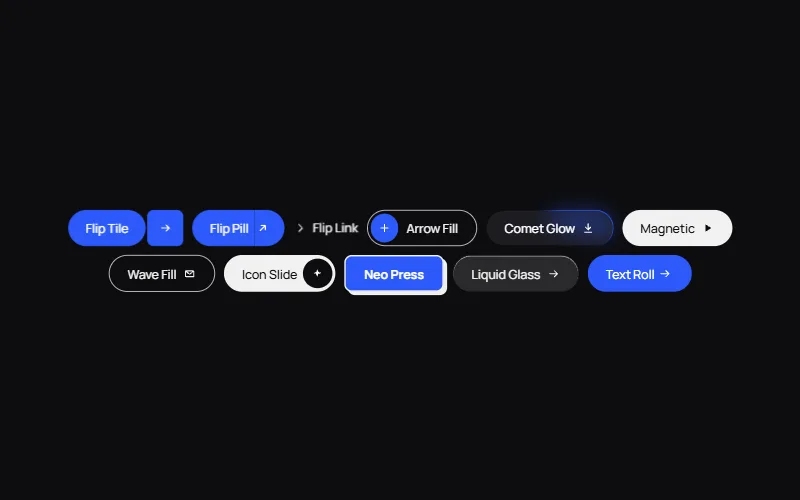
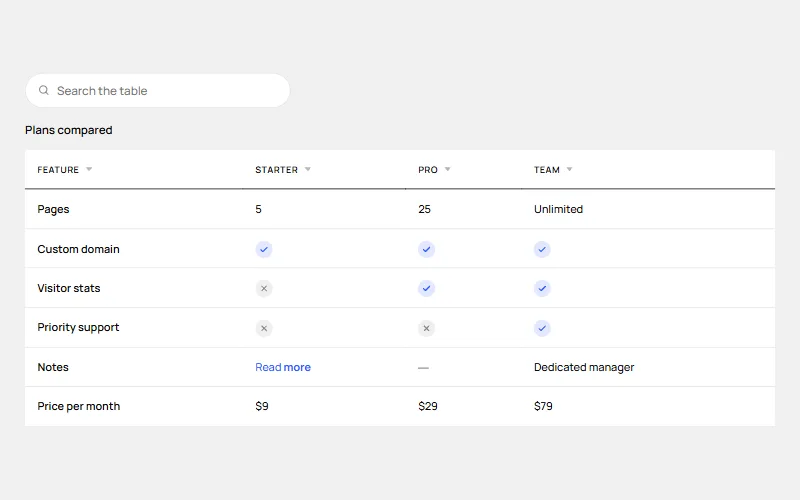
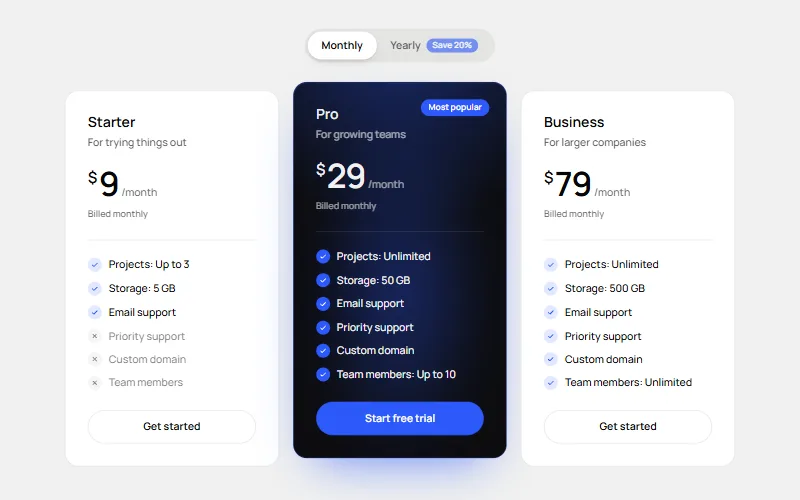
Tabs, toggles, FAQs, popups, menus, buttons, tables and pricing.
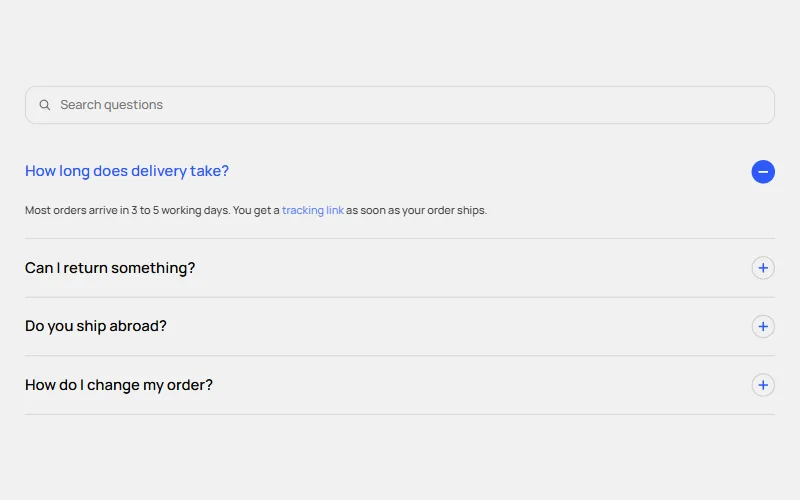
FAQ
Questions that open to show their answers, in 5 styles, with FAQ schema.

Page effects
Preloaders, page transitions and cursor effects for the whole page.

Page Transition
Animated transitions between the pages of your site, in 8 styles.

Cursor Effects
Image trails, dot and ring, blend circles, labels, magnetic buttons and glow.

Site-wide extras
Two features that work across your whole site.
DP Password Gate
A designed screen for password-protected pages and posts, in 5 styles (Centred Card, Split Image, Full-Screen Blur, Dark Glass and PIN Pad) or your own Divi Library layout. WordPress still checks the password on the server. Set it up in Settings > DP Password Gate.
Style All Site Buttons
Turn it on for one DP Button and every Divi button on the site takes its style, icon, colours, corner radius and size: Button modules, Contact Form submit buttons, Email Optin, Call To Action and more. Read how it works.
Installation
Installing DiviPerfect Modules takes a couple of minutes. It needs WordPress 6.0 or later, PHP 7.4 or later, and Divi 5 or Divi 4 (the Divi theme, Extra or the Divi Builder plugin).
Download the plugin
After purchase, download the diviperfect-modules.zip file from your Elegant Themes Marketplace account.
Upload to WordPress
In your WordPress admin go to Plugins > Add New > Upload Plugin, choose diviperfect-modules.zip and click Install Now.
Activate the plugin
Click Activate Plugin. The plugin finds which Divi your site runs and adds the modules to that builder.
Add a module
Open a page in the Divi builder, add a module and search for DP. New modules start with sample content, so you see the style straight away. On Divi 4, new parent modules start empty: add their items with the + button.
Support
Every module has a documentation page that explains each setting. If you run into an issue or have a question the docs do not answer, get in touch and we will help you get it working.

Frequently Asked Questions
Answers to the most common questions about DiviPerfect Modules.
Does it work with Divi 5 and Divi 4?
Yes. It is one plugin for both. It finds which Divi the site runs (the Divi theme, Extra or the Divi Builder plugin) and adds the modules to that builder, with the same settings and styles in each.
Will the modules slow my site down?
The modules are built to be light: real HTML first, with the animation added in the browser. Effects that need more power, such as the Smoke Cursor, rest when nothing is moving.
Can I change fonts and colours?
Yes. Modules use the Divi Design tab for fonts, colours, spacing and borders, and empty colour settings fall back to each style's own colours.
What happens if I switch a module to another style?
Modules with several styles keep the settings of each style separately, so you can switch and come back without losing your changes.
Do the modules work without JavaScript?
Content stays readable without JavaScript: tables, timelines, pricing, menus and stack cards fall back to plain lists or layouts.
Are the modules accessible?
They support the keyboard where it matters, use real headings and text, and respect the reduced motion setting.
When will it be available?
DiviPerfect Modules is coming soon to the Elegant Themes Marketplace.