








Cursor Effects
Image trails, dot and ring, blend circles, labels, magnetic buttons and glow.
Give the cursor some personality across the whole page, one section, row or column, or the module's own box. Leave a trail of pictures, invert colours under a blend circle, show a word over links or pull buttons towards the pointer.
Overview & Features
Give the cursor some personality across the whole page, one section, row or column, or the module's own box. Leave a trail of pictures, invert colours under a blend circle, show a word over links or pull buttons towards the pointer.
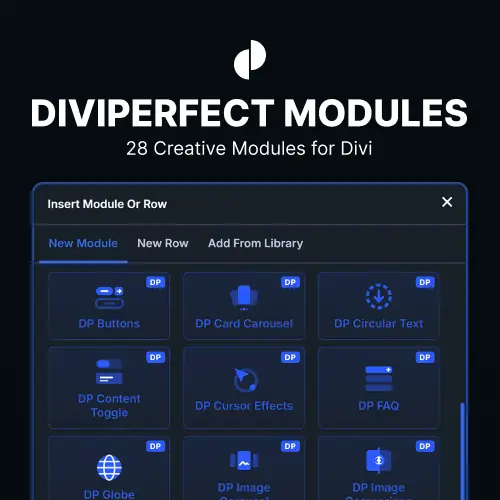
DP Cursor Effects is part of DiviPerfect Modules, a collection of 28 creative modules for Divi 5 and Divi 4. Add it in the builder by searching for DP.
Six styles
Image Trail, Dot & Ring, Blend Circle, Label Cursor, Magnetic Buttons and Glow.
Where it works
The whole page, one section, row or column, or the module's own box.
Label words
Show a word such as View over links; give any element a data-dp-cursor attribute for its own word.
Clicks go through
The effect never blocks a click, and it is off on touch screens and for reduced motion.
Divi 5 and Divi 4
One plugin for both builders, with the same settings and styles in each.
Built with care
Keyboard and screen reader friendly, and calm for visitors who ask for reduced motion.
See every style live
These are the real module, running on this page. Try them: hover, drag, click and scroll.
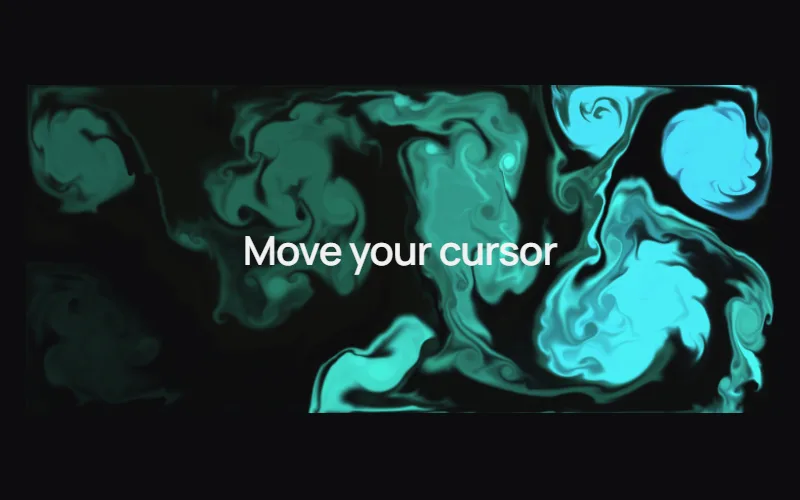
Image Trail
Pictures appear along the cursor path, then leave with a Fade, Zoom, Drift, Spin, Fall, Blur or Flip.
Move your cursor
Dot & Ring
A dot and a trailing ring replace the cursor.
Move your cursor
Blend Circle
A circle that inverts the colours under it.
Move your cursor
Label Cursor
A word such as View over links and buttons.
Move your cursor over the buttons
Move your cursor
Magnetic Buttons
Buttons pull towards the cursor.
Move your cursor over the buttons
Move your cursor
Glow
A soft light that follows the cursor.
Move your cursor
More page effect modules
Every module below is included in DiviPerfect Modules. See all 28 modules.
Page Transition
Animated transitions between the pages of your site, in 8 styles.
Support
Questions about Cursor Effects or anything else in DiviPerfect Modules? The Cursor Effects documentation covers every setting. If you still need a hand, get in touch and we will help you get it working.

Frequently Asked Questions
Quick answers about DP Cursor Effects.
Can I limit it to one section?
Yes. Set Where to the section, row or column the module is in, or to the module's own box.
Can I set my own label words?
Yes. Give any element a data-dp-cursor attribute and the Label Cursor shows that word over it.
Does it work on phones?
Touch screens have no cursor, so the effect is off there.
Does it work with Divi 5 and Divi 4?
Yes. DiviPerfect Modules is one plugin for both builders. It finds which Divi your site runs and adds the modules to that builder, with the same settings and styles in each.
Where do I find it in the builder?
Add a module and search for DP. It is listed as DP Cursor Effects.