


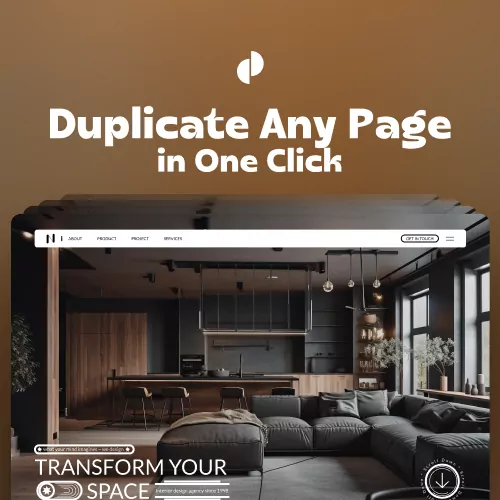






Tabs
Content in tabs, in 8 styles, with images, buttons and autoplay.
Organise features, services or steps into tabs that look designed. Each tab can carry an image, eyebrow, title, text and two buttons, and on phones the tabs turn into an accordion.

Step one
Plan the look together
We start with your goals.
Then we sketch the pages that matter most.

Step two
Built to be edited
Every section is made with Divi modules, so you can change the words yourself.

Step three
Live on the promised day
We test on phones, tablets and desktops.
Overview & Features
Organise features, services or steps into tabs that look designed. Each tab can carry an image, eyebrow, title, text and two buttons, and on phones the tabs turn into an accordion.
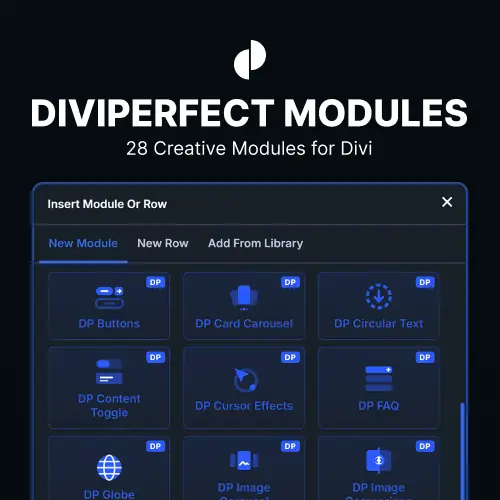
DP Tabs is part of DiviPerfect Modules, a collection of 28 creative modules for Divi 5 and Divi 4. Add it in the builder by searching for DP.
Eight styles
Image Card, Sliding Pill, Underline, Vertical Rail, Expanding Panels, Tab Cards, Progress Tabs and Folder Tabs.
Autoplay
Tabs can play by themselves and pause while the pointer is over them.
Accordion on phones
Switch to an accordion on small screens.
Keyboard and links
Arrow keys, Home and End move between tabs, and a link ending in #tab-name opens that tab.
Divi 5 and Divi 4
One plugin for both builders, with the same settings and styles in each.
Built with care
Keyboard and screen reader friendly, and calm for visitors who ask for reduced motion.
See every style live
These are the real module, running on this page. Try them: hover, drag, click and scroll.
Image Card
A large image with an overlapping card and arrows.
Step one
Plan the look together
We start with your goals.
Then we sketch the pages that matter most.
Step two
Built to be edited
Every section is made with Divi modules, so you can change the words yourself.
Step three
Live on the promised day
We test on phones, tablets and desktops.
Sliding Pill
A pill slides behind the active tab.
Step one
Plan the look together
We start with your goals.
Then we sketch the pages that matter most.
Step two
Built to be edited
Every section is made with Divi modules, so you can change the words yourself.
Step three
Live on the promised day
We test on phones, tablets and desktops.
Underline
A line slides under the active tab.
Step one
Plan the look together
We start with your goals.
Then we sketch the pages that matter most.
Step two
Built to be edited
Every section is made with Divi modules, so you can change the words yourself.
Step three
Live on the promised day
We test on phones, tablets and desktops.
Vertical Rail
Tabs stacked down the side.
Step one
Plan the look together
We start with your goals.
Then we sketch the pages that matter most.
Step two
Built to be edited
Every section is made with Divi modules, so you can change the words yourself.
Step three
Live on the promised day
We test on phones, tablets and desktops.
Expanding Panels
Panels side by side; the active one opens wide.
Step one
Plan the look together
We start with your goals.
Then we sketch the pages that matter most.
Step two
Built to be edited
Every section is made with Divi modules, so you can change the words yourself.
Step three
Live on the promised day
We test on phones, tablets and desktops.
Tab Cards
Each tab is a card.
Step one
Plan the look together
We start with your goals.
Then we sketch the pages that matter most.
Step two
Built to be edited
Every section is made with Divi modules, so you can change the words yourself.
Step three
Live on the promised day
We test on phones, tablets and desktops.
Progress Tabs
A bar fills under each tab while it autoplays.
Step one
Plan the look together
We start with your goals.
Then we sketch the pages that matter most.
Step two
Built to be edited
Every section is made with Divi modules, so you can change the words yourself.
Step three
Live on the promised day
We test on phones, tablets and desktops.
Folder Tabs
Tabs shaped like folder tabs.
Step one
Plan the look together
We start with your goals.
Then we sketch the pages that matter most.
Step two
Built to be edited
Every section is made with Divi modules, so you can change the words yourself.
Step three
Live on the promised day
We test on phones, tablets and desktops.
More interactive and UI modules
Every module below is included in DiviPerfect Modules. See all 28 modules.
FAQ
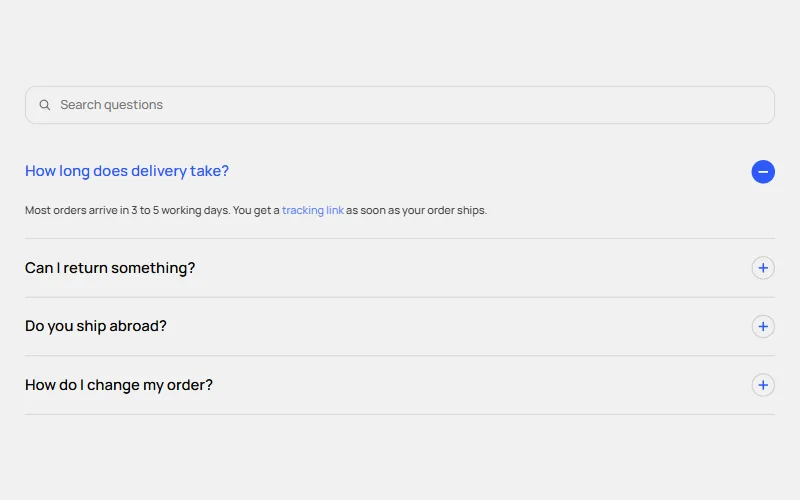
Questions that open to show their answers, in 5 styles, with FAQ schema.

Support
Questions about Tabs or anything else in DiviPerfect Modules? The Tabs documentation covers every setting. If you still need a hand, get in touch and we will help you get it working.

Frequently Asked Questions
Quick answers about DP Tabs.
Can I link straight to a tab?
Yes. A link ending in #tab-name opens that tab.
Can tabs open on hover?
Yes. Set Open Tabs On to hover.
Can I design my own panel?
Yes. Panel Design lets you build the panel with Divi modules and use it for every tab.
Does it work with Divi 5 and Divi 4?
Yes. DiviPerfect Modules is one plugin for both builders. It finds which Divi your site runs and adds the modules to that builder, with the same settings and styles in each.
Where do I find it in the builder?
Add a module and search for DP. It is listed as DP Tabs.