









Image Comparison
Before and after images, in 5 comparison styles.
Show the difference between two images with a draggable slider, a divider that follows the pointer, a fade, split labels or a reveal that plays as visitors scroll.

 BeforeAfter
Overview & Features
Show the difference between two images with a draggable slider, a divider that follows the pointer, a fade, split labels or a reveal that plays as visitors scroll.
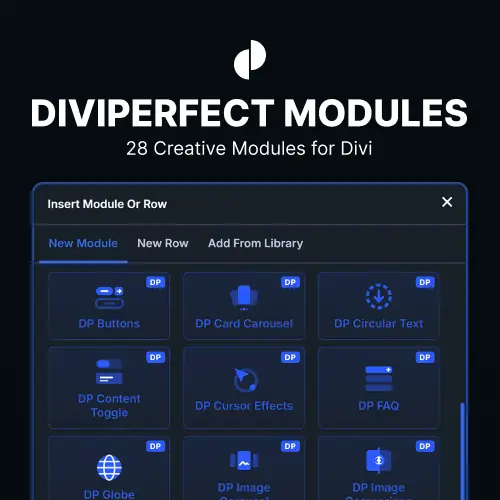
DP Image Comparison is part of DiviPerfect Modules, a collection of 28 creative modules for Divi 5 and Divi 4. Add it in the builder by searching for DP.
Five styles
Classic Slider, Hover Follow, Fade, Split Labels and Scroll Reveal.
Labels
Before and After labels, placed at the top, middle or bottom.
Handle styles
Circle, pill or square with arrows, a line with a grip, or just a line.
Horizontal or vertical
Compare side to side or top to bottom, from any starting position.
Divi 5 and Divi 4
One plugin for both builders, with the same settings and styles in each.
Built with care
Keyboard and screen reader friendly, and calm for visitors who ask for reduced motion.
See every style live
These are the real module, running on this page. Try them: hover, drag, click and scroll.
Classic Slider
Drag the handle to reveal more of either image.
BeforeAfterHover Follow
The divider follows the pointer, and can return when it leaves.
BeforeAfterFade
One image fades into the other.
BeforeAfterSplit Labels
The two halves are labelled and split cleanly.
BeforeAfterScroll Reveal
The divider moves as the comparison scrolls through the screen.
BeforeAfterMore image and media modules
Every module below is included in DiviPerfect Modules. See all 28 modules.

Image Gallery
12 gallery layouts, from masonry to a 3D image sphere, with a lightbox.
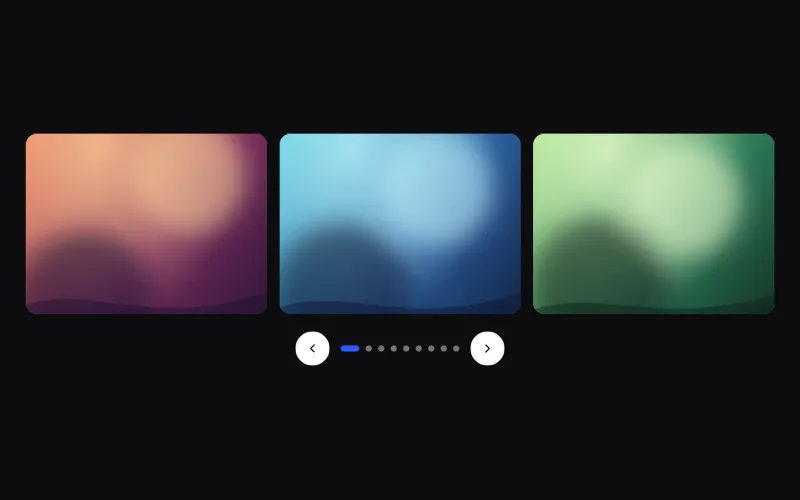
Image Carousel
14 image carousels: sliders, rings, helixes, tunnels and more.
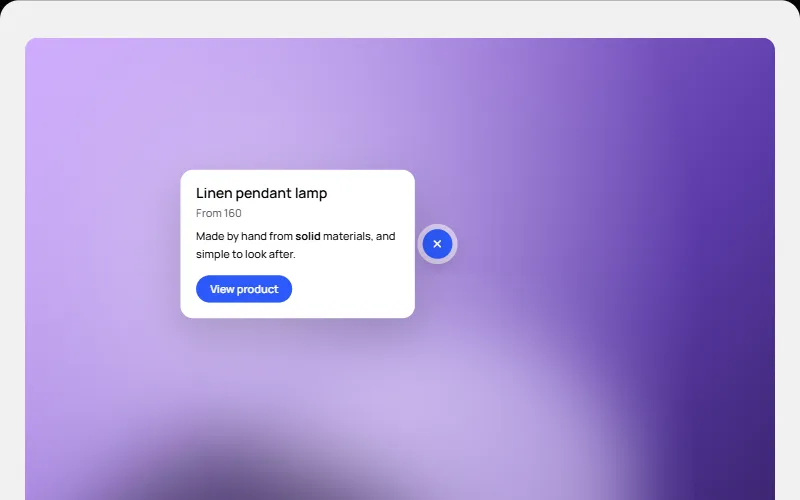

Image Hover
6 hover effects: swap, dither, glitch, cursor reveal, pixel trail and liquid ripple.

Image List Hover
Rows for a team, services or projects, whose images show on hover.

Scroll Video
A video that plays as visitors scroll down and rewinds as they scroll up.
Support
Questions about Image Comparison or anything else in DiviPerfect Modules? The Image Comparison documentation covers every setting. If you still need a hand, get in touch and we will help you get it working.

Frequently Asked Questions
Quick answers about DP Image Comparison.
Can the divider go top to bottom?
Yes. Set Direction to vertical to compare the images top to bottom.
Can I change the labels?
Yes. Write your own Before Label and After Label, choose their position, or turn labels off.
Does it work on touch screens?
Yes. Visitors can drag the handle with a finger.
Does it work with Divi 5 and Divi 4?
Yes. DiviPerfect Modules is one plugin for both builders. It finds which Divi your site runs and adds the modules to that builder, with the same settings and styles in each.
Where do I find it in the builder?
Add a module and search for DP. It is listed as DP Image Comparison.