








Parting Text
Big lines that split apart to let your image or video through.
Huge lines of text scroll up past a pinned image or video. Each line splits in the middle and its halves slide apart to let the media through. After the last line the media grows to fill the screen.
Overview & Features
Huge lines of text scroll up past a pinned image or video. Each line splits in the middle and its halves slide apart to let the media through. After the last line the media grows to fill the screen.
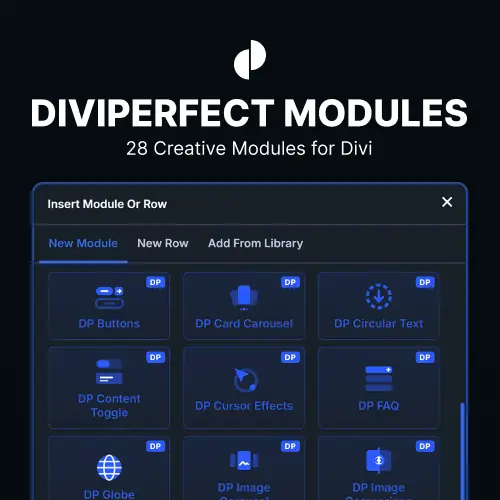
DP Parting Text is part of DiviPerfect Modules, a collection of 28 creative modules for Divi 5 and Divi 4. Add it in the builder by searching for DP.
Lines that part
Each line splits in the middle and slides apart around the media, then closes again or stays open.
Image or video
Pin a photo or a video, in the shape and fit you choose.
Grows at the end
After the last line the media grows to the width, height and corner radius you set, holds, then the page scrolls on.
Scroll tuned
Grow distance, hold distance, smoothing and where the first line starts are all adjustable.
Divi 5 and Divi 4
One plugin for both builders, with the same settings and styles in each.
Built with care
Keyboard and screen reader friendly, and calm for visitors who ask for reduced motion.
See it live
These are the real module, running on this page. Try them: hover, drag, click and scroll.
Every storybegins witha single framethat moves youfrom the firstscroll to the last

More text effect modules
Every module below is included in DiviPerfect Modules. See all 28 modules.

Text Effects
Animated headlines with 9 effects and a 31-preset motion pack.

Circular Text
A spinning text badge with an arrow, star, dot or image in the middle.
Ticker & Marquee
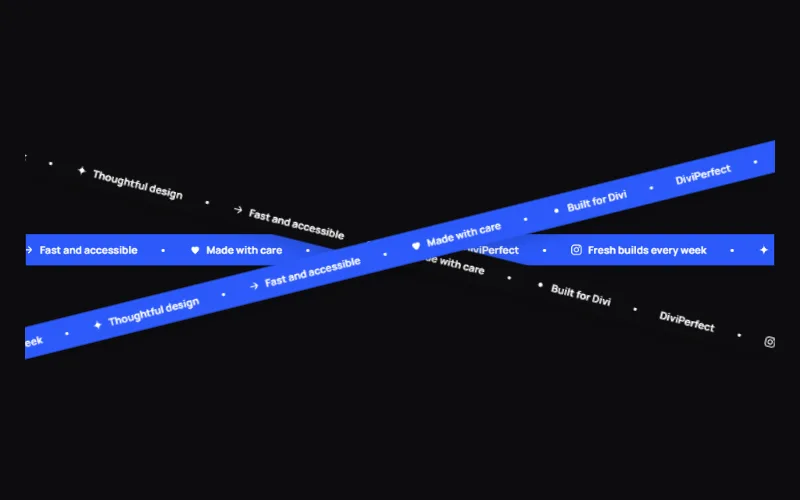
Endless marquees in 8 styles, from crossed tapes to liquid glass.
Support
Questions about Parting Text or anything else in DiviPerfect Modules? The Parting Text documentation covers every setting. If you still need a hand, get in touch and we will help you get it working.

Frequently Asked Questions
Quick answers about DP Parting Text.
Can I use a video?
Yes. The pinned media can be an image or a video.
Can the lines stay open?
Yes. Turn on Lines Stay Open and each line stays parted after the media passes.
How do I make the effect longer or shorter?
Use Grow Distance and Hold Distance in the Design tab, and Scroll Smoothing for how closely it follows the scroll.
Does it work with Divi 5 and Divi 4?
Yes. DiviPerfect Modules is one plugin for both builders. It finds which Divi your site runs and adds the modules to that builder, with the same settings and styles in each.
Where do I find it in the builder?
Add a module and search for DP. It is listed as DP Parting Text.