









Image Carousel
14 image carousels: sliders, rings, helixes, tunnels and more.
From a clean slider and a fade slideshow to a spiral ring, a 3D helix, an image tunnel and an infinite zoom. Every carousel has a lightbox, captions and autoplay.








Overview & Features
From a clean slider and a fade slideshow to a spiral ring, a 3D helix, an image tunnel and an infinite zoom. Every carousel has a lightbox, captions and autoplay.
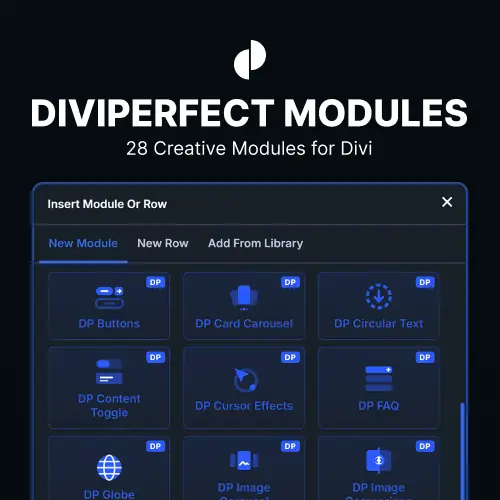
DP Image Carousel is part of DiviPerfect Modules, a collection of 28 creative modules for Divi 5 and Divi 4. Add it in the builder by searching for DP.
Fourteen carousels
Slider, Fade Slideshow, Dock Gallery, Curved Slider, Spiral Ring, 3D Helix, Orbit, Circle Ring, 3D Wheel Hero, Motion Layers, Expanding Panels, Infinite Zoom, Image Tunnel and Vertical Focus.
Autoplay
Plays by itself and pauses on hover if you like.
Lightbox and captions
Open images in the shared lightbox, with captions where you want them.
Keyboard and swipe
Arrow keys move between images; drag and swipe work on touch screens.
Divi 5 and Divi 4
One plugin for both builders, with the same settings and styles in each.
Built with care
Keyboard and screen reader friendly, and calm for visitors who ask for reduced motion.
See every style live
These are the real module, running on this page. Try them: hover, drag, click and scroll.
Slider
Several images per view, looping, with drag or arrows.
Fade Slideshow
One image at a time, cross-fading, with an optional Ken Burns zoom.
Dock Gallery
A large image above a thumbnail dock that magnifies near the pointer.
Curved Slider
A row bent towards you that snaps to each image.
Spiral Ring
A turning ring that climbs as it goes; the far side shrinks, blurs and leans.
3D Helix
A tall spiral of images winding round a vertical axis.
Orbit
Images travelling round a tilted ellipse.
Circle Ring
A flat wheel of images; hovered images pop out and show their caption.
3D Wheel Hero
A tilted ring of images turning round your heading and text.
Motion Layers
Images stacked into the distance, brought forward by scrolling, dragging or on their own.
Expanding Panels
One panel opens wide on hover, click or while scrolling.
Infinite Zoom
Each image framed inside the one before, zooming on its own or with the scroll.
Image Tunnel
Images round a tunnel, flying towards you.
Vertical Focus
A vertical strip; the image in focus grows, with index numbers.
More image and media modules
Every module below is included in DiviPerfect Modules. See all 28 modules.

Image Gallery
12 gallery layouts, from masonry to a 3D image sphere, with a lightbox.
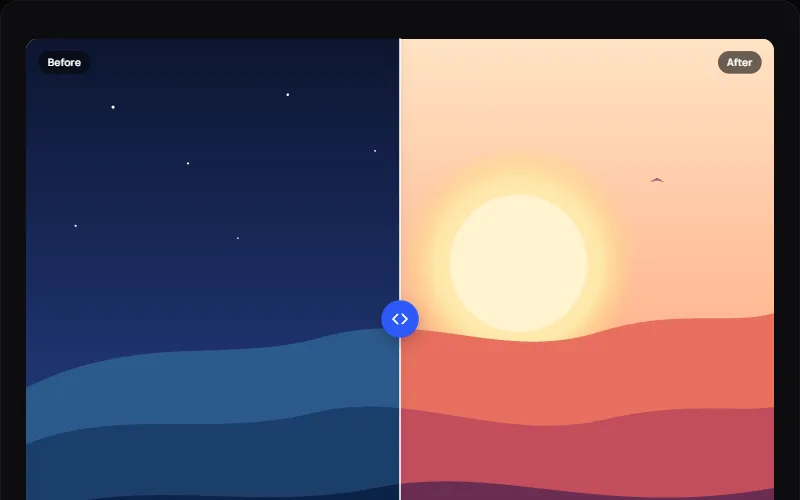

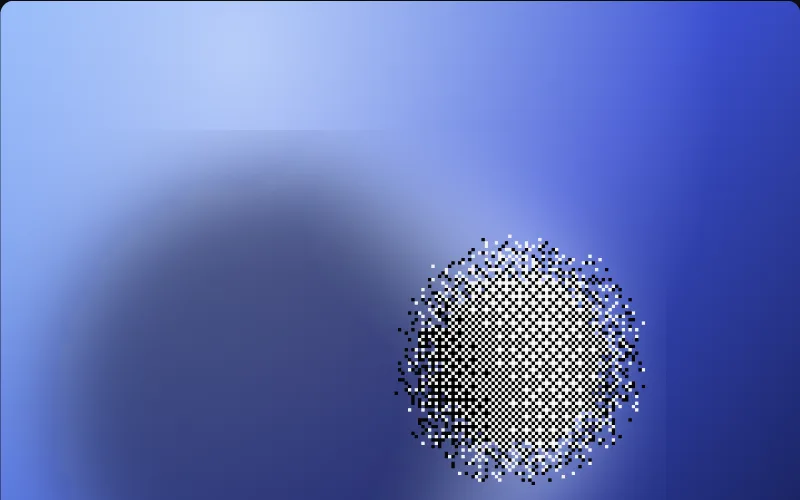
Image Hover
6 hover effects: swap, dither, glitch, cursor reveal, pixel trail and liquid ripple.

Image List Hover
Rows for a team, services or projects, whose images show on hover.

Scroll Video
A video that plays as visitors scroll down and rewinds as they scroll up.
Support
Questions about Image Carousel or anything else in DiviPerfect Modules? The Image Carousel documentation covers every setting. If you still need a hand, get in touch and we will help you get it working.

Frequently Asked Questions
Quick answers about DP Image Carousel.
Does it autoplay?
Yes. Turn on Autoplay, and Pause On Hover if you want it to stop while the pointer is over it.
Can I show dots or a counter?
Yes. The Indicator setting shows dots, a counter or a progress bar, or nothing.
Can visitors use the keyboard?
Yes. The arrow keys move between images, and the lightbox has keyboard controls too.
Does it work with Divi 5 and Divi 4?
Yes. DiviPerfect Modules is one plugin for both builders. It finds which Divi your site runs and adds the modules to that builder, with the same settings and styles in each.
Where do I find it in the builder?
Add a module and search for DP. It is listed as DP Image Carousel.