







Popup
Modals, slide-ins, bars, sheets and drawers, opened when you choose.
Show an offer, a newsletter form or an announcement as a centred modal, a corner slide-in, a top bar, a bottom sheet, a full-screen takeover or a side drawer. Open it on load, on scroll, on exit intent, on a click or after inactivity.
Overview & Features
Show an offer, a newsletter form or an announcement as a centred modal, a corner slide-in, a top bar, a bottom sheet, a full-screen takeover or a side drawer. Open it on load, on scroll, on exit intent, on a click or after inactivity.
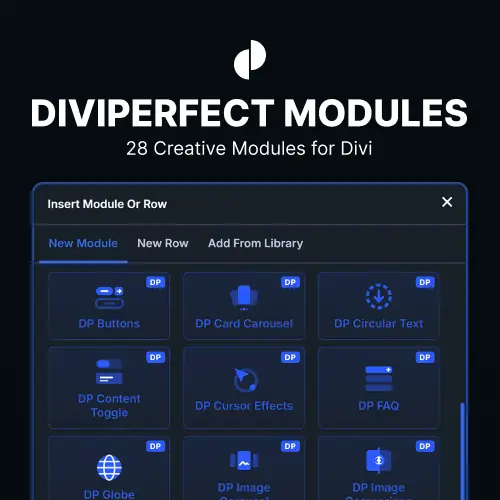
DP Popup is part of DiviPerfect Modules, a collection of 28 creative modules for Divi 5 and Divi 4. Add it in the builder by searching for DP.
Six styles
Centred Modal, Slide-in Corner, Top Bar, Bottom Sheet, Full-Screen Takeover and Side Drawer.
Five triggers
On load, scroll depth, exit intent, a click or time without activity.
Frequency
Choose how often it shows and how many days between showings.
Any content
Built-in title, text and button, a Divi Library layout or a canvas.
Divi 5 and Divi 4
One plugin for both builders, with the same settings and styles in each.
Built with care
Keyboard and screen reader friendly, and calm for visitors who ask for reduced motion.
See every style live
Click a button to open each popup style.
Centred Modal
A dialog in the middle of the screen over a dimmed backdrop.
Get 20% off your first order
Join our list for news, offers and new arrivals. No spam, unsubscribe any time.
Slide-in Corner
A card that slides in from a corner.
Get 20% off your first order
Join our list for news, offers and new arrivals. No spam, unsubscribe any time.
Top Bar
A bar across the top of the page.
Get 20% off your first order
Join our list for news, offers and new arrivals. No spam, unsubscribe any time.
Bottom Sheet
A panel that rises from the bottom.
Get 20% off your first order
Join our list for news, offers and new arrivals. No spam, unsubscribe any time.
Full-Screen Takeover
Covers the whole screen.
Get 20% off your first order
Join our list for news, offers and new arrivals. No spam, unsubscribe any time.
Side Drawer
A panel that slides in from the side.
Get 20% off your first order
Join our list for news, offers and new arrivals. No spam, unsubscribe any time.
More interactive and UI modules
Every module below is included in DiviPerfect Modules. See all 28 modules.
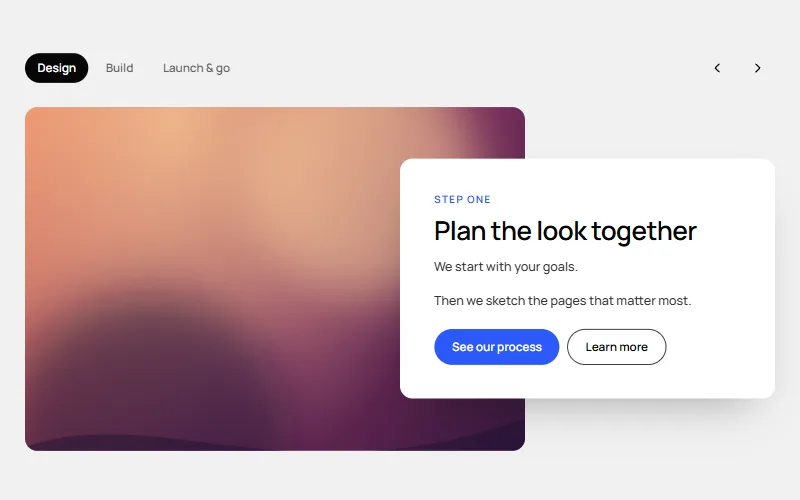
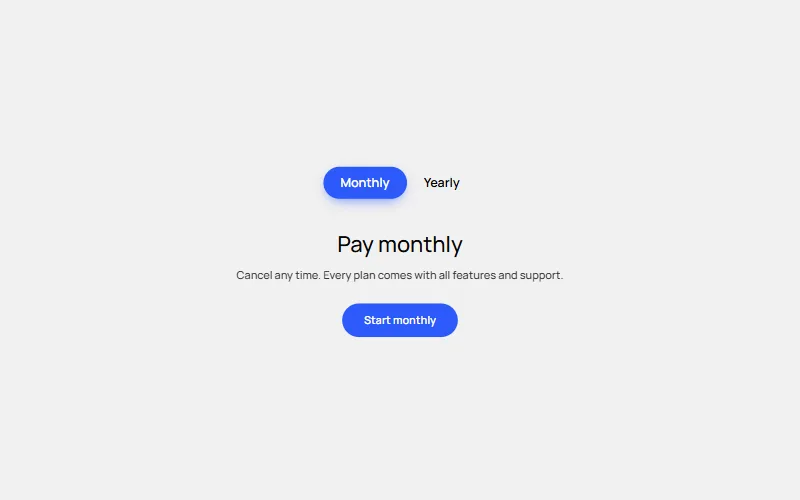
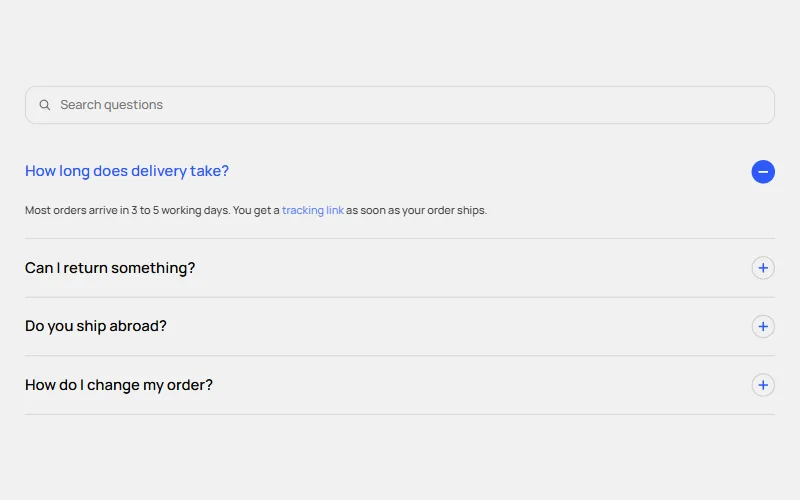
FAQ
Questions that open to show their answers, in 5 styles, with FAQ schema.
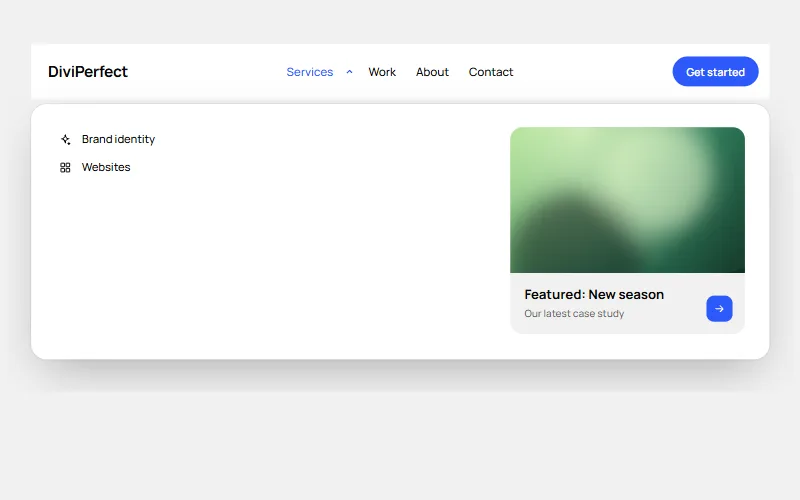
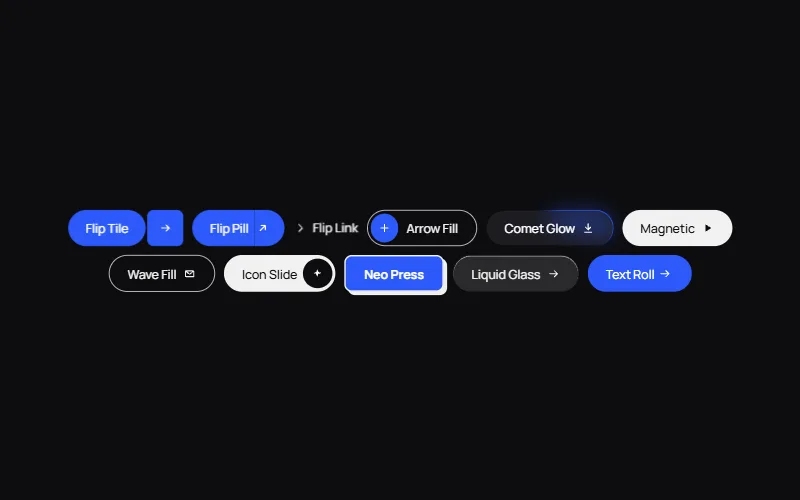
Support
Questions about Popup or anything else in DiviPerfect Modules? The Popup documentation covers every setting. If you still need a hand, get in touch and we will help you get it working.

Frequently Asked Questions
Quick answers about DP Popup.
How do I open it from a button?
Write an anchor such as #offer in Open From and link your button to #offer, or give the button a class such as open-offer and write .open-offer. That works whatever the trigger, and you can set Open to Only from a link or button.
Can I stop it showing on every page view?
Yes. Use Show and Days Between to limit how often a visitor sees it.
Can it show only on some pages?
Yes. List the paths in Only On These Pages, for example /shop/, /pricing/ or /blog/* for a whole section. Put the popup in a Theme Builder footer to cover the whole site.
Does it work with Divi 5 and Divi 4?
Yes. DiviPerfect Modules is one plugin for both builders. It finds which Divi your site runs and adds the modules to that builder, with the same settings and styles in each.
Where do I find it in the builder?
Add a module and search for DP. It is listed as DP Popup.