








Page Transition
Animated transitions between the pages of your site, in 8 styles.
When a visitor clicks a link to another page, the screen is covered with an animation and the new page is revealed. Wipes, shutters, pixel scatters, the page name or a drawn ribbon.
Overview & Features
When a visitor clicks a link to another page, the screen is covered with an animation and the new page is revealed. Wipes, shutters, pixel scatters, the page name or a drawn ribbon.
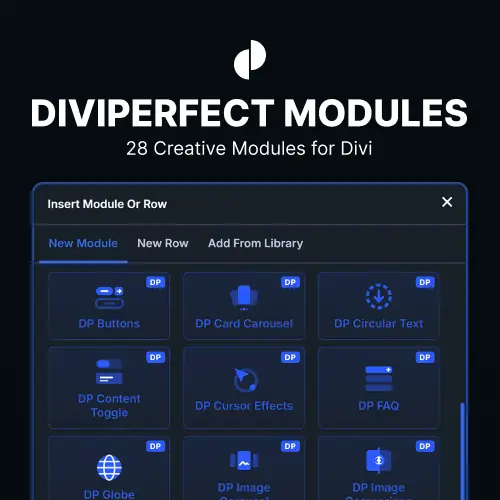
DP Page Transition is part of DiviPerfect Modules, a collection of 28 creative modules for Divi 5 and Divi 4. Add it in the builder by searching for DP.
Eight styles
Double Wipe, Curved Wipe, Shutter, Column Steps, Pixel Scatter, Pixel Wave, Page Name and Ribbon Draw.
Smart links
New tabs, downloads, other sites, same-page links, admin and add-to-cart links load normally.
Skip Links
Leave out more links with a CSS selector or the class no-transition.
Site wide
Add it once in a Theme Builder header.
Divi 5 and Divi 4
One plugin for both builders, with the same settings and styles in each.
Built with care
Keyboard and screen reader friendly, and calm for visitors who ask for reduced motion.
See it live
This page uses the Ribbon Draw transition: click any link to another page of this site to see it. Press Preview on any style below to play it here.
Ribbon Draw
A ribbon is drawn across the screen.
All styles
Double Wipe
Two colour panels wipe across the screen.
Curved Wipe
A curved panel sweeps across.
Shutter
Shutters close and open.
Column Steps
Columns step in one after another.
Pixel Scatter
Pixels scatter in and out.
Pixel Wave
Pixels sweep across in a wave.
Page Name
Shows the clicked link's text while the page changes.
More page effect modules
Every module below is included in DiviPerfect Modules. See all 28 modules.
Cursor Effects
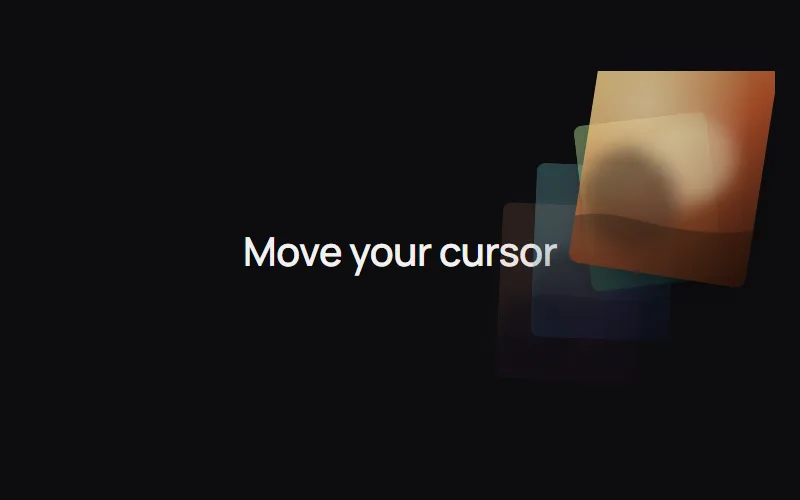
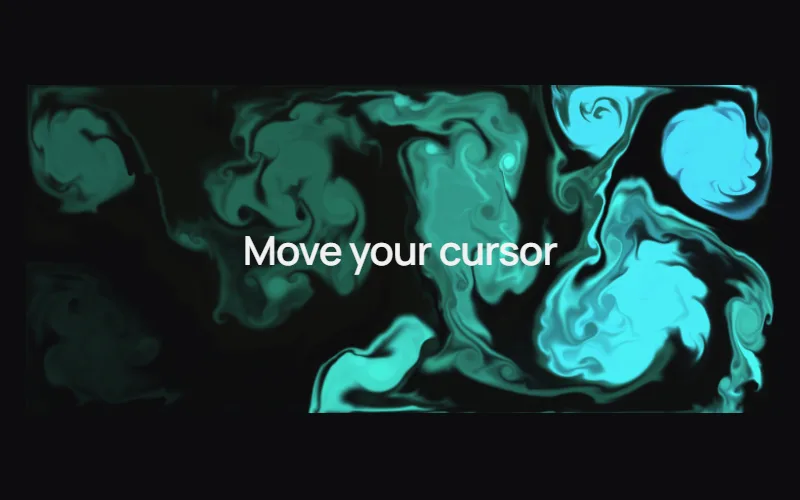
Image trails, dot and ring, blend circles, labels, magnetic buttons and glow.
Support
Questions about Page Transition or anything else in DiviPerfect Modules? The Page Transition documentation covers every setting. If you still need a hand, get in touch and we will help you get it working.

Frequently Asked Questions
Quick answers about DP Page Transition.
Why does it not play when I type an address?
The cover can only play when a visitor clicks a link. A browser gives a page no chance to cover itself when someone types an address or uses a bookmark. Reveal On Every Load plays the reveal on the page they arrive at.
Can I exclude some links?
Yes. Add a CSS selector in Skip Links, or give the link the class no-transition.
How do I use it on every page?
Add it once in a Theme Builder header.
Does it work with Divi 5 and Divi 4?
Yes. DiviPerfect Modules is one plugin for both builders. It finds which Divi your site runs and adds the modules to that builder, with the same settings and styles in each.
Where do I find it in the builder?
Add a module and search for DP. It is listed as DP Page Transition.