






Buttons
Animated buttons in 11 styles, mixed in one module.
Add a row or stack of buttons, each with its own animated style: tiles that flip, glowing comets, magnetic pull, wave fills, neo press and liquid glass. Or style every button on your site in one go.
Overview & Features
Add a row or stack of buttons, each with its own animated style: tiles that flip, glowing comets, magnetic pull, wave fills, neo press and liquid glass. Or style every button on your site in one go.
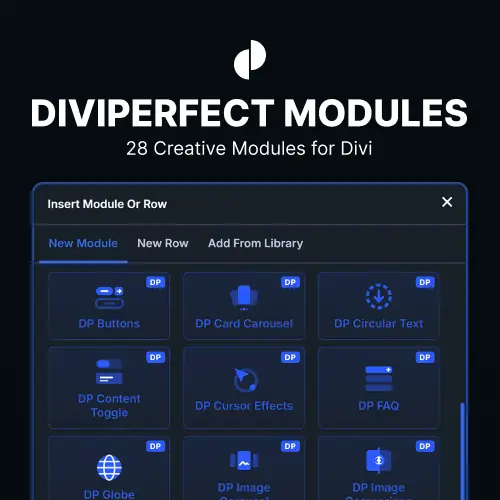
DP Buttons is part of DiviPerfect Modules, a collection of 28 creative modules for Divi 5 and Divi 4. Add it in the builder by searching for DP.
Eleven styles
Flip Tile, Flip Pill, Flip Link, Arrow Fill, Comet Glow, Magnetic, Wave Fill, Icon Slide, Text Roll, Neo Press and Liquid Glass.
Mix styles
Each Button has its own style, text, icon, link, colours, corner radius and size.
Layout per device
Alignment, side by side or stacked, spacing and size per screen size.
Style All Site Buttons
Apply a button style to every Divi button on your site.
Divi 5 and Divi 4
One plugin for both builders, with the same settings and styles in each.
Built with care
Keyboard and screen reader friendly, and calm for visitors who ask for reduced motion.
See every style live
These are the real module, running on this page. Try them: hover, drag, click and scroll.
Flip Tile
A text pill and a square icon tile that each roll over to the accent colour.
Flip Pill
One pill that rolls over; with an icon, the two halves roll one after the other.
Flip Link
A text link with the icon in front; rolls over and draws an underline.
Arrow Fill
An outline button whose icon circle grows to fill it.
Comet Glow
A dark pill with a light running round its edge; glows on hover.
Magnetic
Leans toward the pointer, and the accent floods in from where the pointer entered.
Wave Fill
An outline button that fills with a turning wave.
Icon Slide
The icon's circle slides across to the other end.
Text Roll
The text rolls up and a copy rolls in from below, while the icon slides through.
Neo Press
A thick outline and a hard shadow that presses flat when clicked.
Liquid Glass
A frosted pill with a light sweep; reads on light, dark and photo backgrounds.
More interactive and UI modules
Every module below is included in DiviPerfect Modules. See all 28 modules.
FAQ
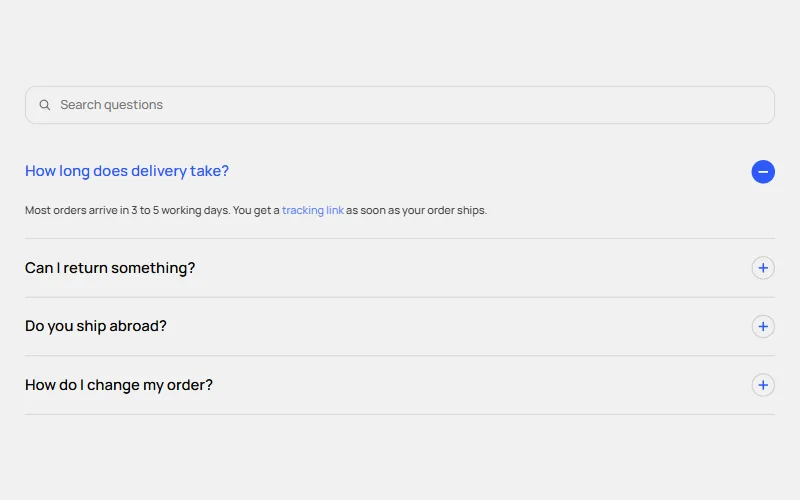
Questions that open to show their answers, in 5 styles, with FAQ schema.
Support
Questions about Buttons or anything else in DiviPerfect Modules? The Buttons documentation covers every setting. If you still need a hand, get in touch and we will help you get it working.

Frequently Asked Questions
Quick answers about DP Buttons.
Can I use different styles in one row?
Yes. Each Button picks its own style.
Can I style all the buttons on my site?
Yes. Turn on Style All Site Buttons on a Button to apply its style to the Divi buttons across your site.
Can a button trigger a Divi Interaction?
Yes. Leave the Link URL empty to make a plain button for use with Interactions.
Does it work with Divi 5 and Divi 4?
Yes. DiviPerfect Modules is one plugin for both builders. It finds which Divi your site runs and adds the modules to that builder, with the same settings and styles in each.
Where do I find it in the builder?
Add a module and search for DP. It is listed as DP Buttons.