








Scrolling is the single most common action a visitor performs on your site. They scroll far more than they click. Yet most sites give no thought to how scrolling feels, leaving it to the browser default: an abrupt, mechanical jump tied directly to the mouse wheel. Smooth scrolling changes that, adding a short, eased glide to scroll motion so the page moves the way physical objects do, with a little momentum and a gentle stop.
It sounds like a cosmetic detail. In practice it is one of the clearest signals of a considered interface.
Perceived quality is built from small motions
Users rarely articulate why one site feels premium and another feels cheap, but motion is a big part of the answer. Hard, instantaneous scrolling reads as raw and unfinished. Eased motion reads as intentional. The same content, wrapped in smoother movement, is perceived as more trustworthy and more professional, because polish in the details implies care everywhere else.
Smooth motion reduces cognitive load
When the page jumps, the eye has to re-locate its place after every movement. A short eased transition keeps the spatial relationship between where you were and where you are intact, so the brain tracks the change instead of re-parsing the layout. The result is a reading experience that feels calmer and less effortful, especially on long pages.
It sets the stage for everything else
Smooth scrolling is the foundation that other scroll effects sit on top of. Section snapping, scroll-triggered animations, parallax and progress indicators all feel disjointed if the underlying scroll is jerky. Get the base motion right and every effect layered above it inherits that quality.
When to use it
- Marketing and landing pages, where feel and first impressions drive conversions.
- Portfolios and agency sites, where craft is the product.
- Long-form storytelling pages that guide the reader through a sequence.
When to be careful
Smooth scrolling is not free of trade-offs, and good judgement matters.
- Respect reduced-motion preferences. Some users feel discomfort or nausea from animated motion; honour the operating-system setting that asks for less.
- Keep the easing short. Overly slow scrolling that lags behind the wheel frustrates power users who want to move quickly.
- Be cautious on data-dense tools and dashboards, where precision beats polish.
Get the feel right, then forget about it
The best smooth scrolling is invisible. Visitors do not notice it; they simply feel that the site is pleasant to use and stay a little longer. That is the whole point: a refined detail that quietly raises the perceived quality of everything around it.
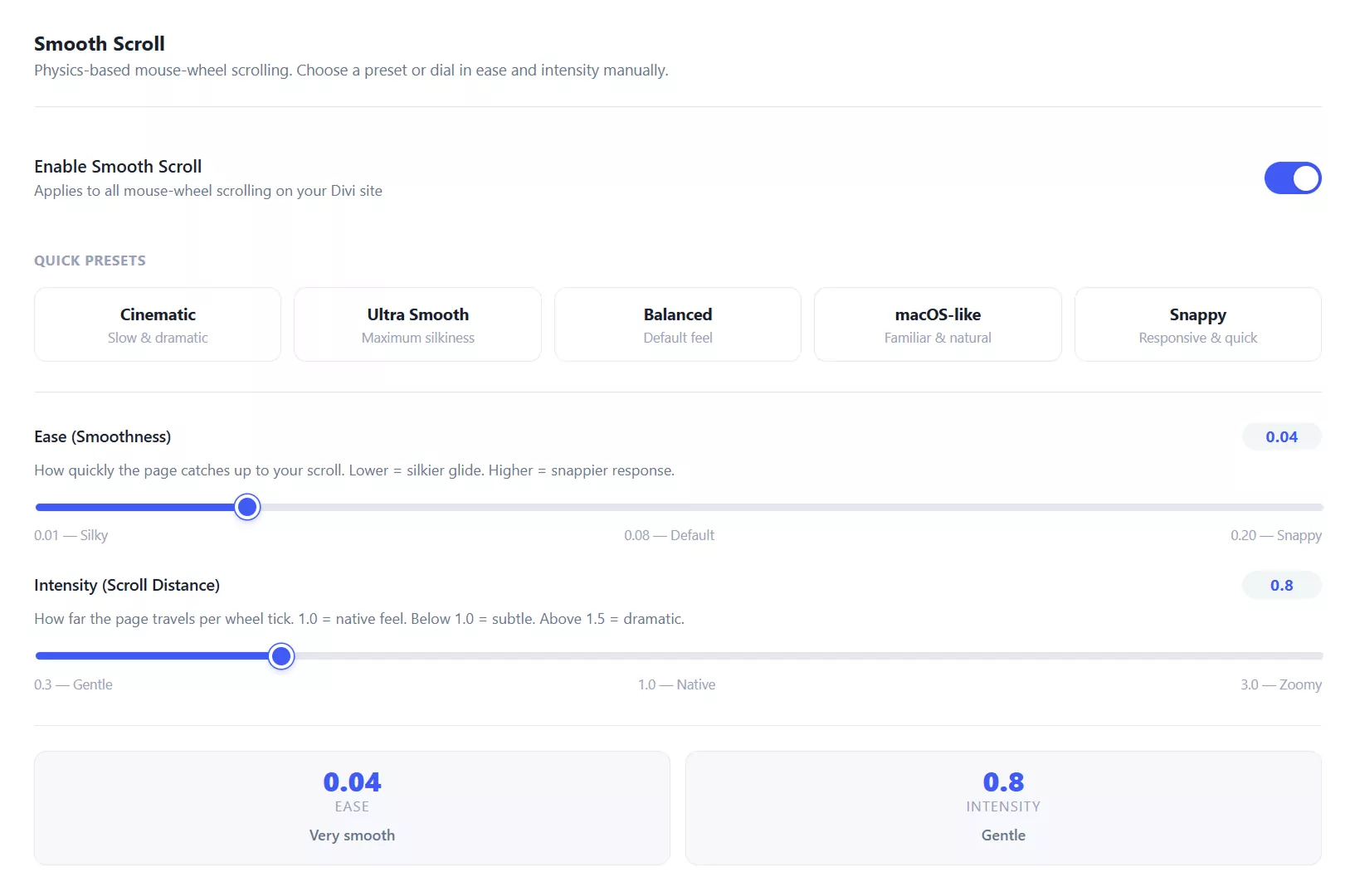
Divi Smooth Scroll lets you add eased scrolling to any Divi site with adjustable intensity and easing, plus section snapping, a progress bar and more.