








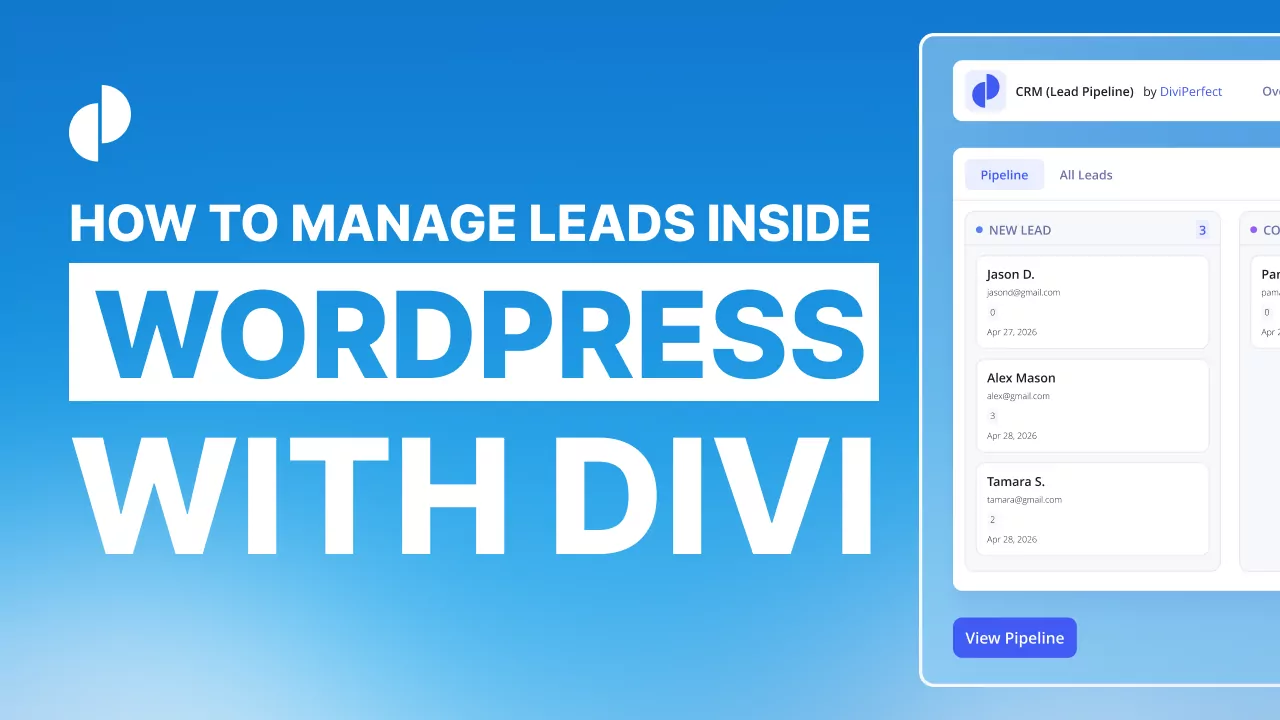
Most small businesses lose leads not because they don't get enquiries, but because those enquiries disappear into an inbox and never get followed up. A contact-form email is easy to miss, hard to track, and impossible to manage as a pipeline. A far better approach is to capture and organize your leads right inside WordPress, where your site already lives. Here's how to set up a simple lead pipeline on a Divi site using Divi CRM Lead Pipeline.
Why manage leads inside WordPress
When a new enquiry is just another email, there's no system: no status, no reminder, no view of who's waiting on a reply. Bringing leads into a proper pipeline changes that. Every enquiry becomes a tracked record you can move through stages — new, contacted, qualified, won — so nothing slips through the cracks and you always know what to do next. And because it lives in WordPress, there's no extra subscription to a separate CRM and no syncing headaches.
Step 1: Install and activate Divi CRM Lead Pipeline
From your dashboard, install and activate Divi CRM Lead Pipeline.

Step 2: Open the pipeline dashboard
Open the plugin from the DiviPerfect menu to see your lead pipeline — typically a board view with columns for each stage.

Step 3: Connect or add your first lead
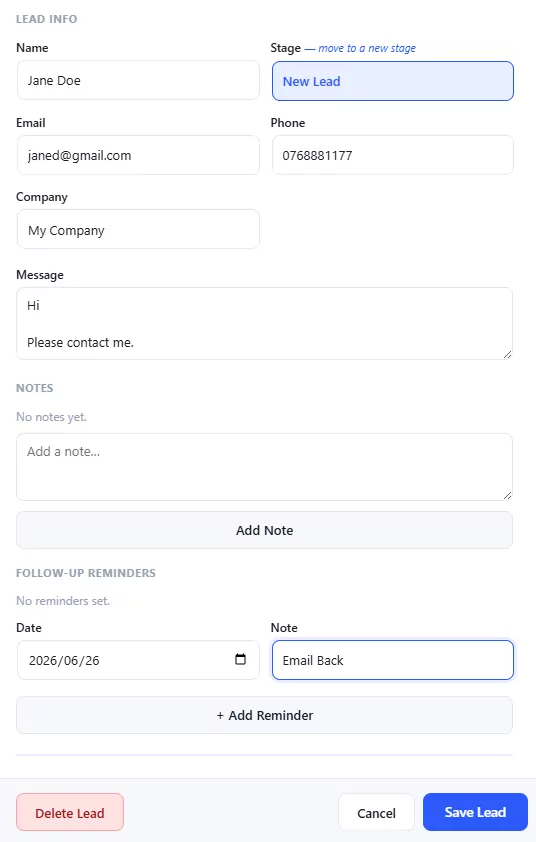
Add a lead manually to see how it works, filling in the contact details and any notes. This is also where leads from your enquiries land so you can manage them in one place.
Step 4: Move leads through your stages
As you work an enquiry, move its card along the pipeline. This gives you an at-a-glance view of where every prospect stands and what needs attention today.
Step 5: Add notes and reminders
Keep your context with the lead: log what was discussed and set reminders for follow-ups so nothing gets forgotten. The follow-up is where most sales are won or lost.
Step 6: Review your pipeline regularly
Make a habit of scanning the board — anything sitting too long in one stage is a prompt to act. A two-minute daily review keeps your pipeline healthy.
Tips
Keep your stages simple to start — even four columns (new, contacted, qualified, won/lost) is plenty. Always log a quick note after each contact so future-you has the context. And set reminders religiously; a tracked follow-up is the difference between a lead and a customer.
Frequently asked questions
Do I need a separate CRM service?
Not for managing leads from your site. Keeping your pipeline inside WordPress avoids another monthly subscription and another login, and your leads live right where your website already is.
Where do leads come from?
You can add leads manually and capture enquiries from your site so they land in the pipeline instead of only in your inbox, ready to be tracked through your stages.
Can I track follow-ups?
Yes — notes and reminders let you record what's happened with each lead and schedule the next action, so follow-ups don't get forgotten.
Final thoughts
You're probably already getting enquiries — the opportunity is in not letting them slip away. A simple lead pipeline inside WordPress turns scattered emails into a system you can actually work. Set it up once and follow it daily. Explore the full DiviPerfect plugin suite for more tools that help you run your business from your Divi site.