








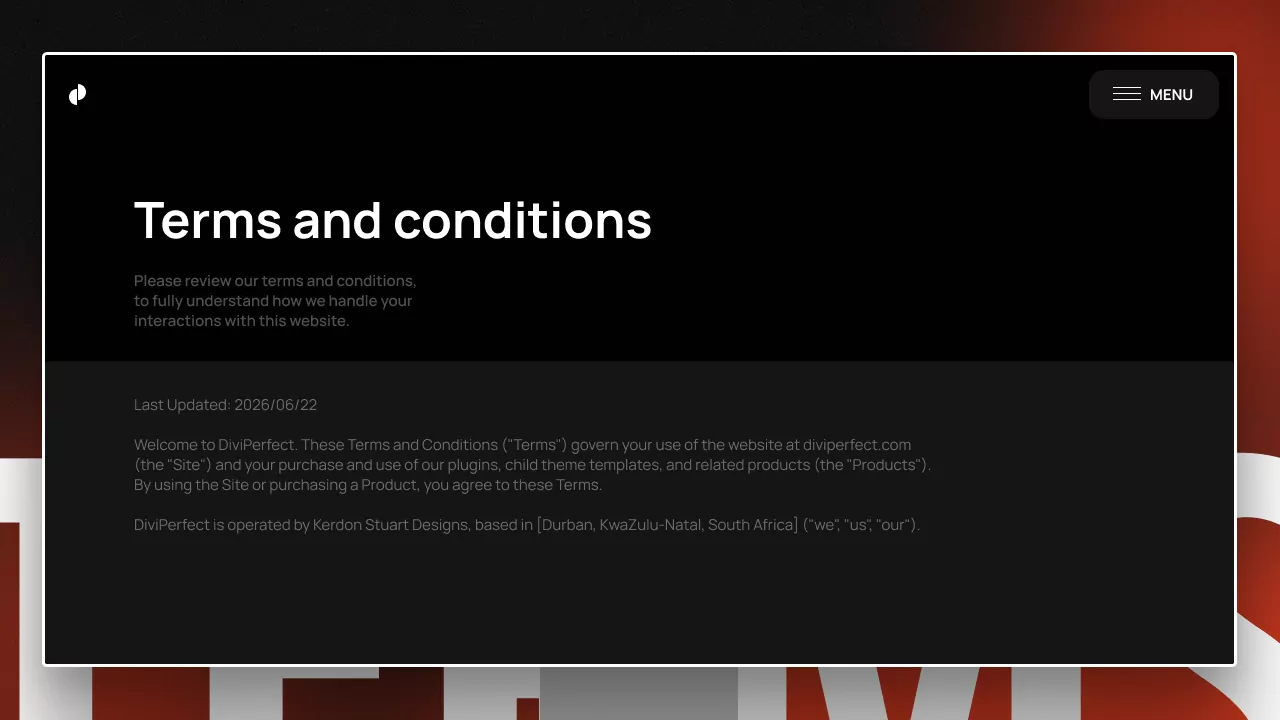
A terms and conditions page sets the rules for using your website — what people can expect from you, what you expect from them, and where the boundaries lie. It's easy to treat it as a copy-paste afterthought, but a clear, tailored T&Cs page protects your business and builds trust. Here are ten tips for writing one that does its job.
Please note: this article is general guidance, not legal advice. For a terms and conditions page that's legally valid for your business and jurisdiction, consult a qualified lawyer or use a reputable, up-to-date policy generator.
1. Know what a T&Cs page is for
Your terms and conditions are a contract between you and your users. They govern how people may use your site, products, or services, and they limit your liability when something goes wrong. Start by being clear on what you actually need yours to cover.
2. Tailor it to your business
Generic templates are a starting point, not a finish line. A blog, an e-commerce store, and a SaaS product all need different terms. Adapt the content to what you actually offer — payments, subscriptions, downloads, user accounts, or user-generated content all change what belongs on the page.
3. Use plain, readable language
A wall of dense legalese helps no one and gets ignored. Write in clear language wherever you can, and break terms into logical sections with descriptive headings so people can find what they need. Clarity protects you better than complexity.
4. Cover the essentials
Most T&Cs pages should address a core set of topics: acceptance of terms, a description of your service, user responsibilities and acceptable use, intellectual property, payment terms (if relevant), limitation of liability, and termination. Map your business to these areas and fill in what applies.
5. Address intellectual property
State who owns the content on your site and what users may and may not do with it. If users can submit content themselves, clarify the rights you need to display it. This protects your work and sets expectations.
6. Limit your liability clearly
A key purpose of T&Cs is to limit your legal exposure. Spell out the limits of your responsibility for things like errors, downtime, or third-party links — while staying honest and within what's enforceable where you operate.
7. Explain how disputes are handled
State which jurisdiction's laws govern the terms and how disputes will be resolved. This avoids ambiguity if a disagreement ever arises and makes the page far more useful than a vague catch-all.
8. Include how and when terms can change
Your business will evolve, so reserve the right to update your terms, and explain how users will be notified of changes. Date the page and keep a record of versions.
9. Make it easy to find
A T&Cs page only works if people can reach it. Link it in your footer (the standard place users look), and reference it at relevant moments — like checkout or account signup — so it's visible when it matters.
10. Keep it current
Outdated terms can be worse than none. Review your T&Cs whenever your business, products, or applicable laws change, and update the "last revised" date each time. A living document stays useful and credible.
Frequently Asked Questions
Do I legally need a terms and conditions page?
It depends on your business and jurisdiction. T&Cs aren't always legally mandatory, but they're strongly recommended for almost any site, especially those handling payments, accounts, or user content, because they protect you and set clear expectations.
Can I copy another website's terms and conditions?
It's risky and not advisable — their terms are tailored to their business and may be copyrighted. Use templates or generators as a starting point, then adapt to your specifics, and have a professional review them for anything important.
Where should the terms and conditions link go?
The website footer is the standard, expected location. It's also good practice to link to your terms at key moments like checkout or signup, where users are agreeing to them.
Final thoughts
A good terms and conditions page is clear, tailored to your business, and easy to find. Treat it as a living document, keep it current, and get professional input for anything legally significant.
If you do go with Divi, explore the full DiviPerfect plugin suite for the tools that make building and running a self-hosted Divi site faster and more polished.