








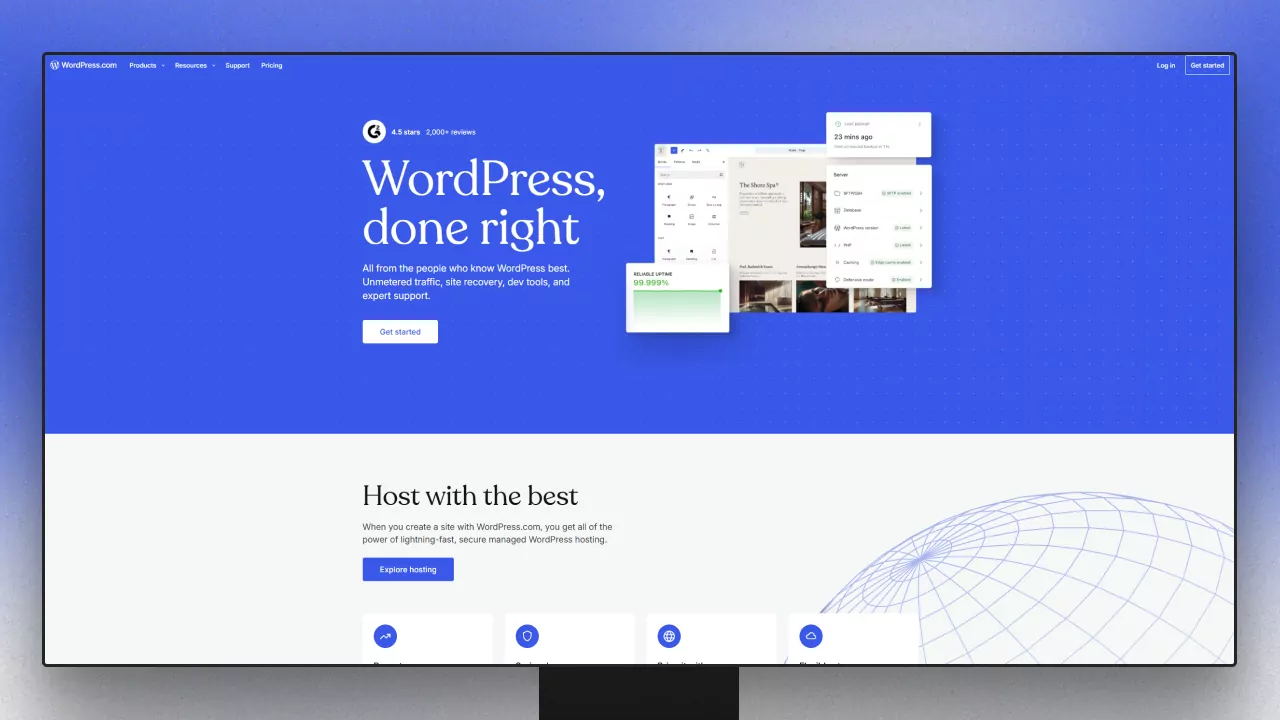
This comparison trips a lot of people up, because "WordPress" means two different things. WordPress.com is a hosted, managed service run by Automattic, sold in subscription tiers. WordPress.org is the free, open-source software you install on your own hosting — and that's where Divi lives. So "Divi vs WordPress.com" is really "self-hosted WordPress with Divi vs the hosted WordPress.com platform."
Let's clear up the confusion and figure out which path is right for you.
WordPress.com vs WordPress.org
WordPress.org is the open-source software that powers a huge share of the web. It's free to use; you provide your own hosting and have complete control to install any theme or plugin — including Divi. WordPress.com is a commercial, managed hosting service built on that software, where Automattic handles hosting and maintenance in exchange for a monthly fee, with more restrictions on lower tiers.
Divi is a theme-and-builder for self-hosted WordPress.org. You can run it on WordPress.com, but only on a plan high enough to install third-party themes and plugins with full control — historically the Business tier and up. (WordPress.com expanded plugin/theme availability to more tiers in 2026, but full developer control still lives at the Business level.) Always check current terms on WordPress.com's plans.
Cost
Running Divi on self-hosted WordPress.org means two simple costs: your Divi license ($89/year, $249 once for a lifetime license, or $277/year for Divi Pro — all covering unlimited sites) plus your own hosting, which can start at just a few dollars a month and is entirely under your control. Confirm Divi numbers on the official Elegant Themes site.
WordPress.com bundles hosting into recurring per-site tiers. On annual billing in 2026, that's roughly a Free plan, Personal (~$4/mo), Premium (~$8/mo), Business (~$25/mo), and Commerce (~$45/mo), plus a custom Enterprise/VIP tier (monthly billing costs more). To get the full control Divi expects — custom code, SFTP/SSH, staging, and database access — you're typically looking at the Business tier (~$300/year per site). Compared with one Divi license covering unlimited self-hosted sites, the self-hosted route is far more economical as you grow.
Control and flexibility
This is the heart of it. Self-hosted WordPress.org with Divi gives you total control: any theme, any plugin, custom code, your choice of host, and full access to your files and database. WordPress.com trades some of that control for convenience — lower tiers restrict what you can install, and even on higher tiers the managed environment limits certain server-level changes (some caching or server-side plugins, for example).
If you want Divi's full design and functional freedom — plus the wider WordPress plugin ecosystem and tools like Divi Smooth Scroll, Divi Image Compressor, and Divi Maintenance — self-hosted is the natural home.
Ease and maintenance
WordPress.com's appeal is that Automattic handles hosting, updates, and security for you, which is genuinely convenient if you'd rather not think about any of that. Self-hosting means you (or your host) handle updates and backups — but modern managed WordPress hosts automate most of this, narrowing the gap considerably. In exchange for that small amount of responsibility, you get full ownership and control.
Ownership and portability
With self-hosted WordPress, you own everything and can move your entire site between hosts freely — it's the most portable setup there is. WordPress.com is more contained; while it's still WordPress under the hood, migrating off the platform and out of its managed environment takes more work, and lower tiers limit what you can take with you.
So which should you choose?
Choose WordPress.com if you want a fully managed, hands-off experience, you're fine with per-site monthly fees, and you don't need the deepest level of control (or you're willing to pay for the Business tier to get it).
Choose Divi on self-hosted WordPress.org if you want full control and ownership, the lowest long-term cost across multiple sites, the entire plugin ecosystem, and Divi's complete design freedom.
For anyone serious about building with Divi, self-hosted WordPress.org is the natural and far more economical choice.
Frequently Asked Questions
Can I use Divi on WordPress.com?
Yes, but you need a plan that allows installing third-party themes and plugins with full control — historically the Business tier or higher. On self-hosted WordPress.org, Divi works on any host with no tier restrictions.
What's the difference between WordPress.com and WordPress.org?
WordPress.org is the free, open-source software you install on your own hosting, with full control. WordPress.com is a paid, managed hosting service built on that software, with tiered plans and more restrictions. Divi is designed for self-hosted WordPress.org.
Is Divi cheaper than WordPress.com?
For most setups, yes. Divi is one license for unlimited self-hosted sites plus inexpensive hosting you control, whereas WordPress.com charges recurring per-site fees and typically needs the ~$300/year Business tier for full Divi-style control.
Do I have to manage updates myself with self-hosted WordPress?
You're responsible for them, but most managed WordPress hosts automate updates, backups, and security, so in practice it's largely hands-off — while still giving you full ownership and control.
Which gives better SEO and performance?
Self-hosted WordPress with Divi gives you the most control over SEO and performance, since you can install any optimization plugin and choose your own host. WordPress.com is capable but more constrained, especially on lower tiers.
Final thoughts
Once you untangle the .com-versus-.org confusion, the choice is clearer than it looks. WordPress.com is a convenient managed service with per-site fees and more limits. Divi on self-hosted WordPress.org gives you full control, ownership, the whole plugin ecosystem, and far better value across multiple sites.
If that's your path, explore the full DiviPerfect plugin suite for the tools that make building and running a self-hosted Divi site faster and more polished.