









Divi AI is Elegant Themes' built-in artificial intelligence assistant — a set of AI tools that live right inside the Divi Builder. Instead of switching between separate apps for copy, images, and code, you can generate them where you're already working. Here's what Divi AI does, how to use it, and how to get genuinely good results from it.
What Divi AI can do
Divi AI is a broad toolkit rather than a single feature. According to Elegant Themes, it can generate text, images, layouts, sections, modules, and code — and even build an entire website draft. The key parts:
Text generation helps you draft headlines, body copy, FAQs, and section content, using context about your website and business to produce relevant first drafts instead of lorem ipsum.
Image generation creates and refines images from prompts, handy for placeholders, concept visuals, and background graphics while you're designing.
Code generation (Divi Code AI) writes and edits CSS and code inside the builder's code fields. Because it's been fine-tuned on the Divi module codebase, it understands Divi's structure and terminology better than a generic model — great for custom CSS tweaks Divi doesn't offer as a setting.
Layout and site generation can produce page layouts, sections, and — through Divi's AI-powered site builder — a full starter website based on details you provide about your business.
The responsible AI workflow
Here's the approach that keeps you on the right side of Google while still saving real time.
Use AI for the heavy lifting, not the final word. Lean on AI for brainstorming, outlining, structuring, drafting, and summarizing — the parts where it genuinely speeds you up. Then do the part only you can do: add real expertise, original insight, and your own voice.
Fact-check everything. AI tools can state wrong information confidently — they "hallucinate." Never publish an AI-generated fact, statistic, price, or claim without verifying it. (We practice this ourselves; every figure on this blog is checked before it goes live.) This matters even more for sensitive topics like health, finance, and legal content, which Google scrutinizes especially hard.
Edit for your voice and your reader. Generic AI text reads like generic AI text. Rewrite it so it sounds like you, speaks to your specific audience, and answers their actual question better than competing pages.
Add what AI can't. Your first-hand experience, real examples, original data, screenshots, and genuine opinions are exactly what AI can't fake — and exactly what Google's E-E-A-T signals (Experience, Expertise, Authoritativeness, Trustworthiness) reward. This is how AI-assisted content earns rankings.
Build fewer, better pages. Resist the temptation to mass-publish. One genuinely useful page beats twenty thin ones — for readers and for rankings.
How to use Divi AI
Once active, Divi AI appears inside the builder where you'd naturally want it.
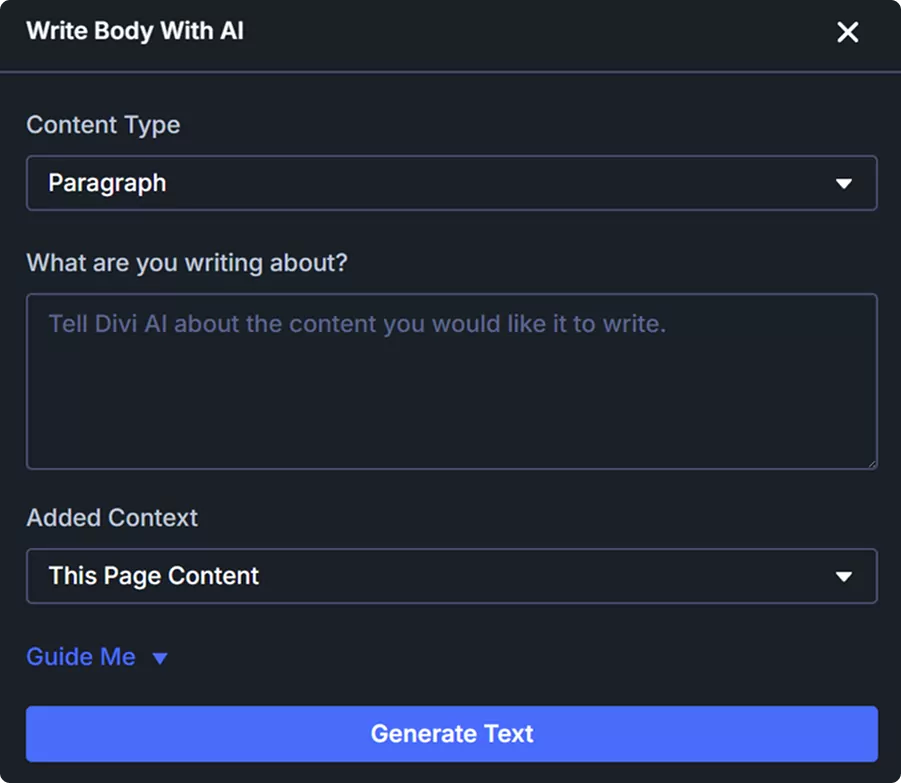
For text: open a text module and use the Divi AI option to generate or improve copy. Give it context and a clear prompt — what the section is for, the tone, and the key points — then refine the result.
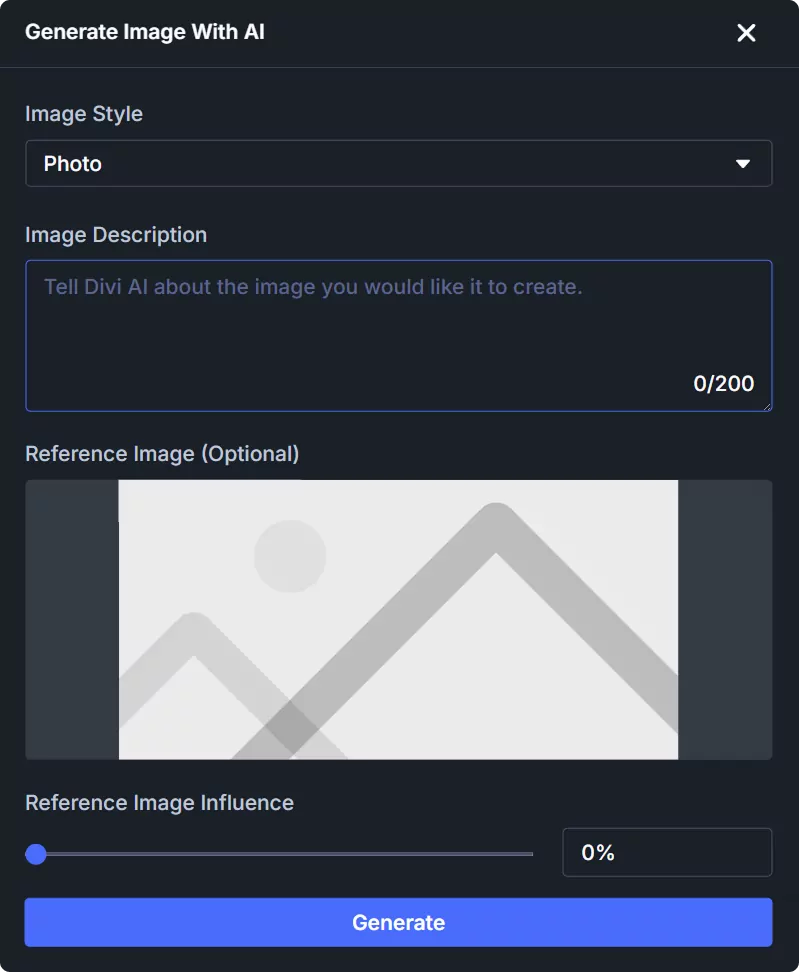
For images: use Divi AI in an image or background context to generate visuals from a prompt, then apply or refine them.
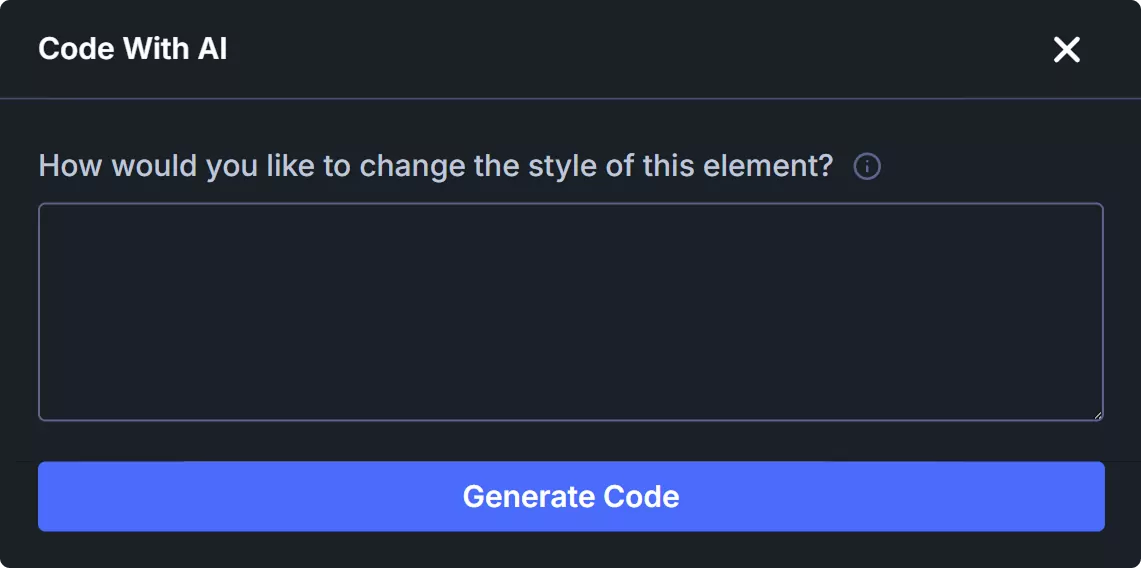
For code: click the AI icon in a code or custom-CSS field, describe what you want (for example, "make this heading a gradient"), and let Divi Code AI write the CSS. You can keep refining in a back-and-forth.
How to use Divi AI well
Divi AI is a time-saver, not a replacement for judgment. A few principles get the best from it.
Write clear, specific prompts. Vague prompts produce vague results. Tell it the purpose, audience, tone, and key points. The minute you spend on a good prompt saves several on edits.
Treat output as a first draft. Generated copy and images are starting points. Edit text for accuracy and your brand voice, and swap AI placeholder images for real photography where it matters.
Always fact-check. Like any AI, Divi AI can produce inaccurate text. Verify any facts, figures, or claims before they go live — this protects both your credibility and your SEO, as covered in our guide on using AI for your Divi website.
Use it to beat the blank page. Divi AI's biggest value is momentum — getting you from nothing to a workable draft fast, so you can spend your energy refining rather than starting cold.
Frequently Asked Questions
Is Divi AI free?
Elegant Themes members get a limited number of free Divi AI uses to try it. Beyond that, unlimited use requires a Divi AI membership, and the Divi Pro bundle includes unlimited Divi AI. Check the official Divi AI page for current trial limits and pricing.
What can Divi AI generate?
Text, images, code (CSS), and layouts — including sections, modules, full page layouts, and even a complete starter website — all from within the Divi Builder using context about your site and business.
Is Divi Code AI better than a general AI for Divi?
For Divi-specific code, often yes — it's been fine-tuned on the Divi module codebase, so it understands Divi's classes, terminology, and structure better than a generic model, which helps it interpret vague requests accurately.
Can I rely on Divi AI to write my whole site?
It can produce a full draft quickly, but you shouldn't publish it unedited. Treat AI output as a strong first draft, then add your expertise, fact-check it, and shape it to your brand — that's what makes the result genuinely good and SEO-safe.
Final thoughts
Divi AI brings text, image, code, and layout generation right into the builder, which can dramatically speed up real Divi work. Use it to get past the blank page, write specific prompts, and always refine and fact-check the output. Explore the full DiviPerfect plugin suite for more tools that make building Divi sites faster and more polished.